Explore step-by-step, guided
tutorials of Calendly
Interactive step-by-step guides for mastering Calendly scheduling and productivity.
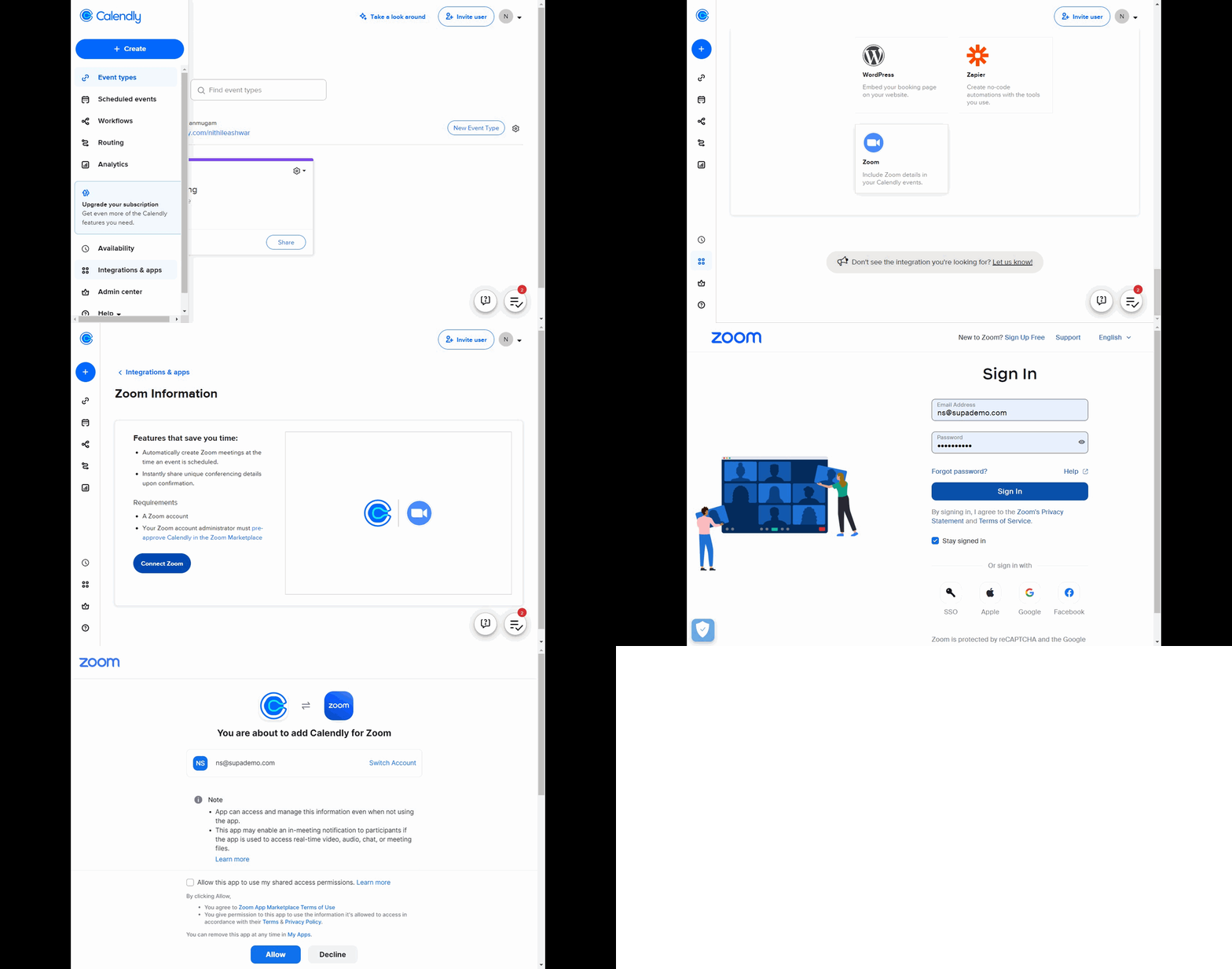
Calendly · Scheduling
How to integrate Zoom into your Calendly link
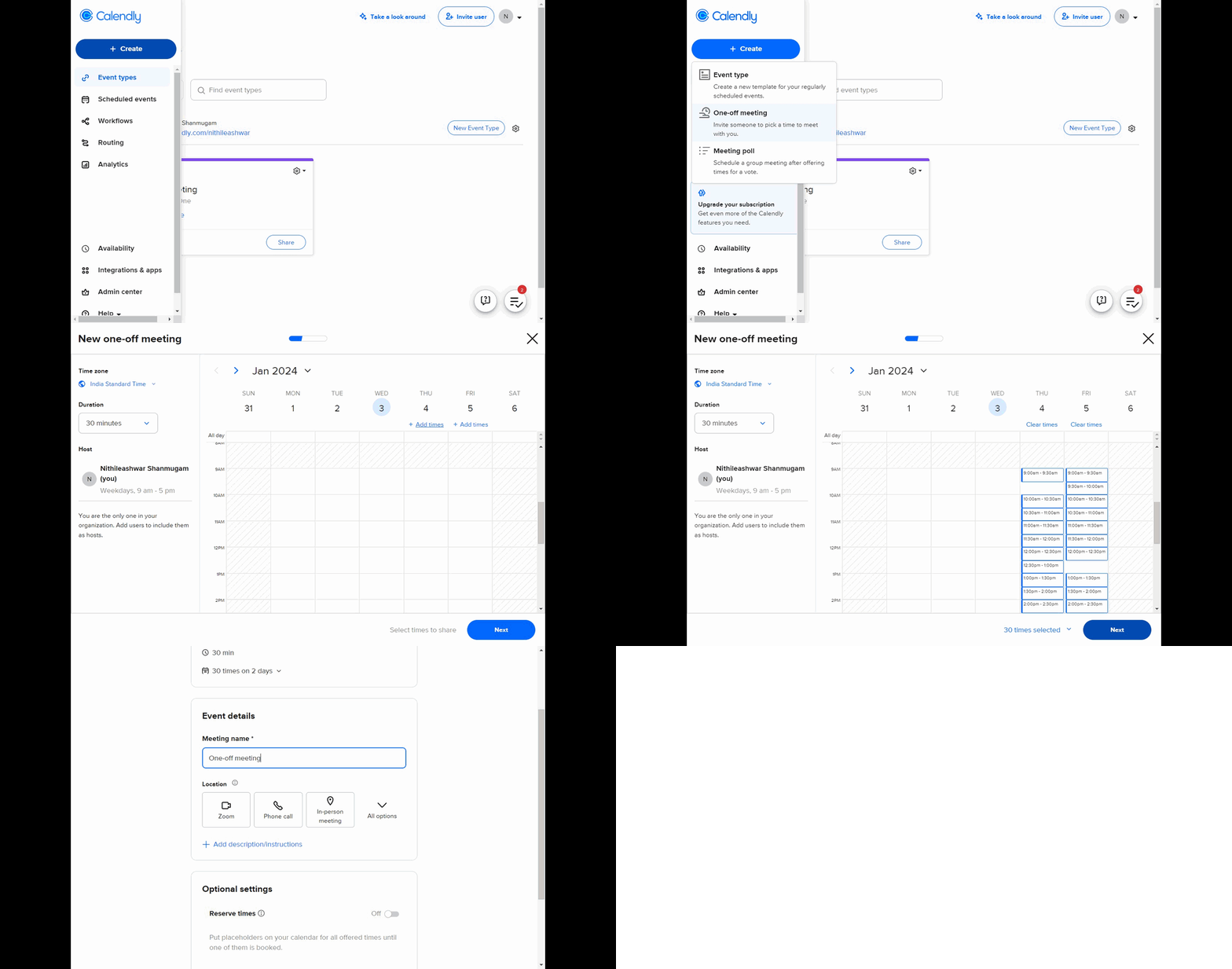
Calendly · Scheduling
How to schedule a one-off meeting in Calendly
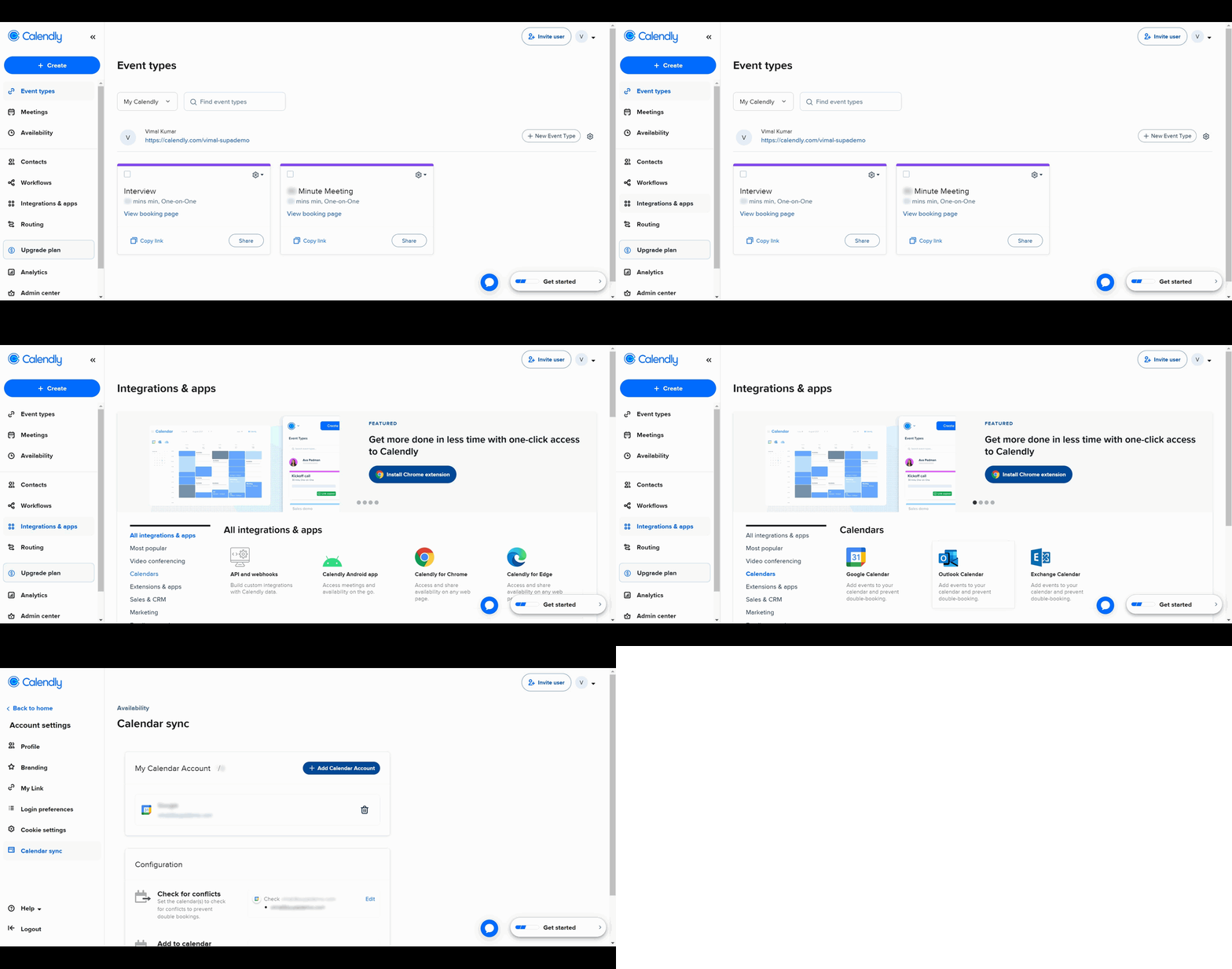
Calendly · Scheduling
How to Add Calendly to Outlook
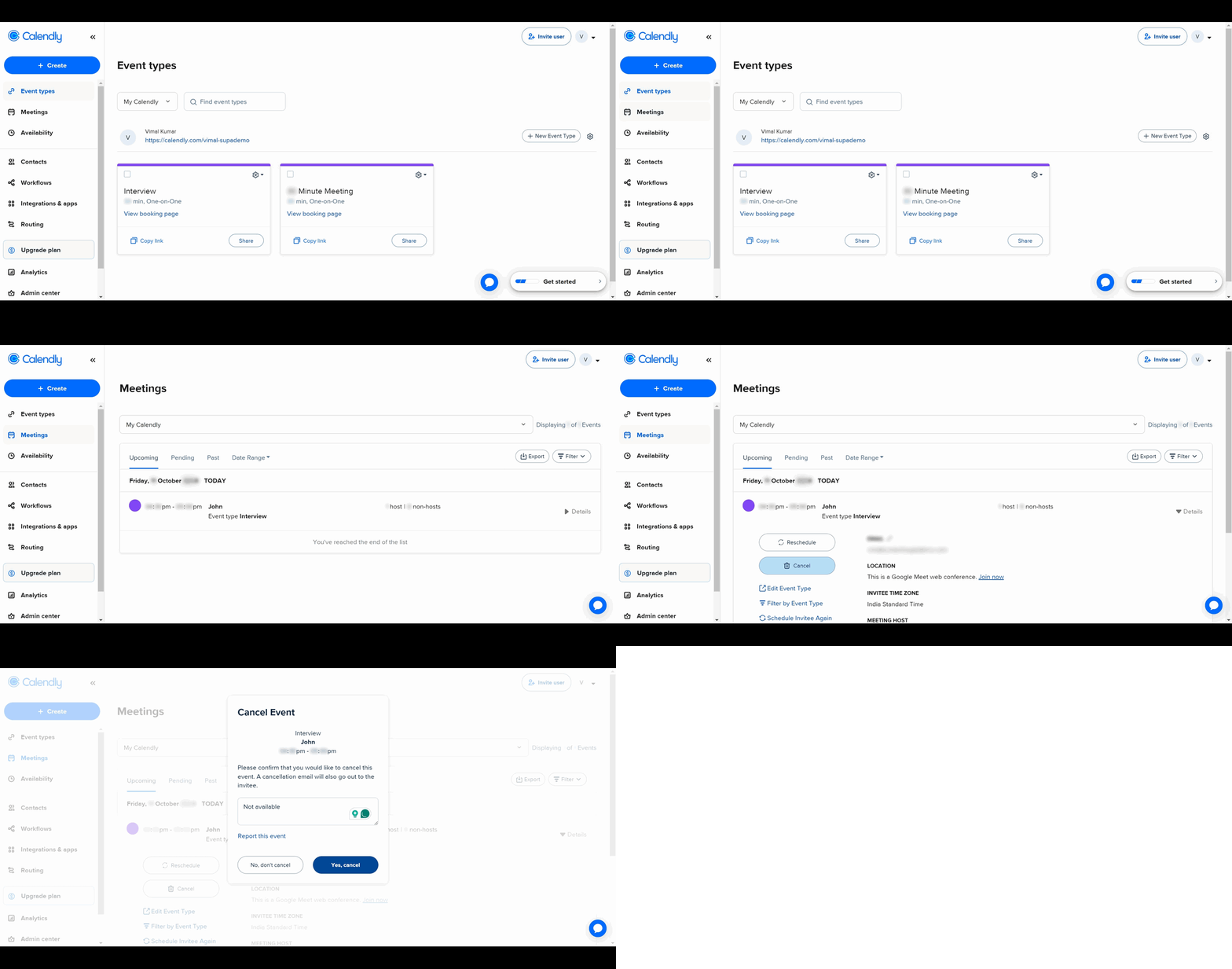
Calendly · Scheduling
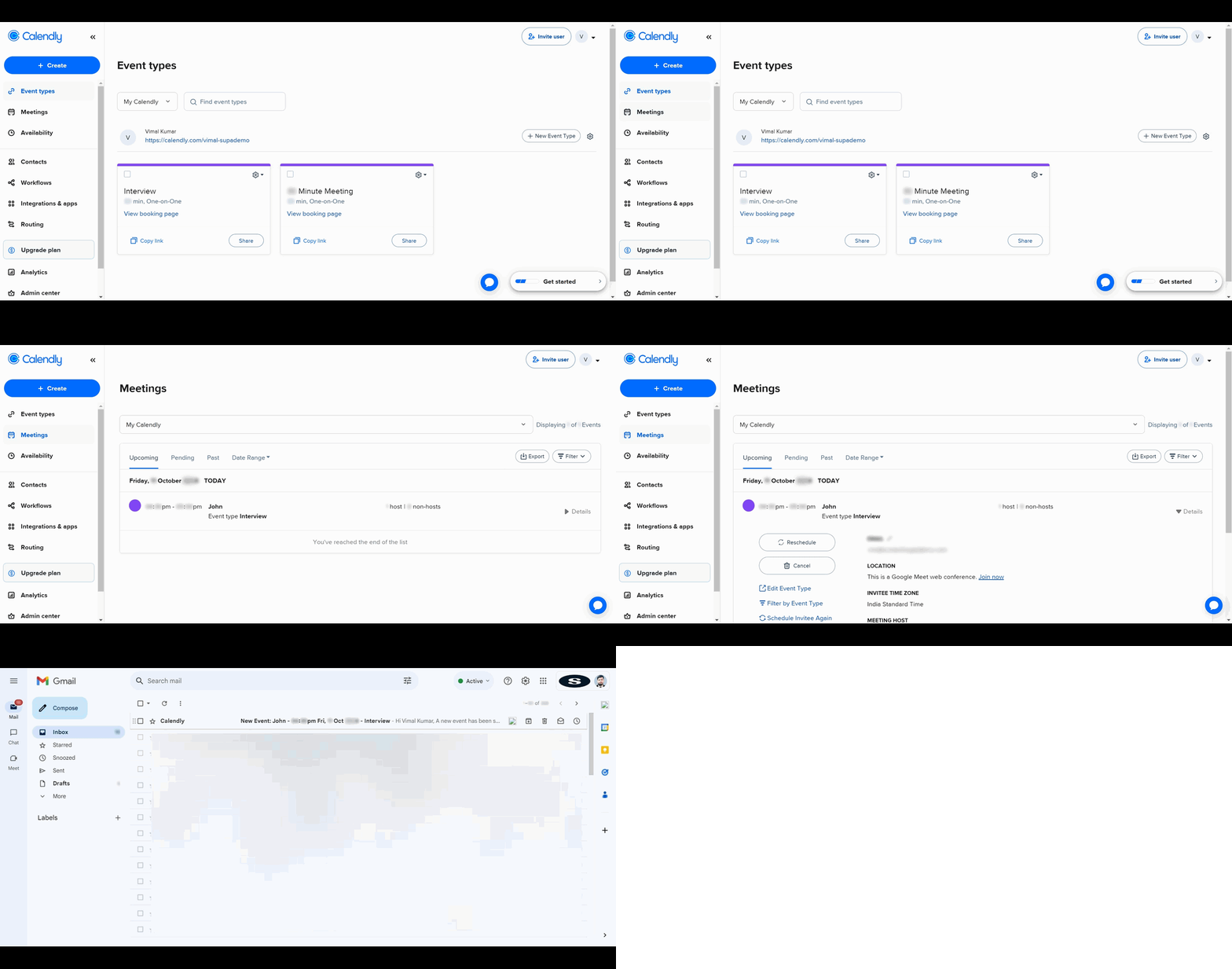
How to Cancel a Calendly Appointment
Calendly · Scheduling
How to Join a Calendly Meeting
Calendly · Scheduling
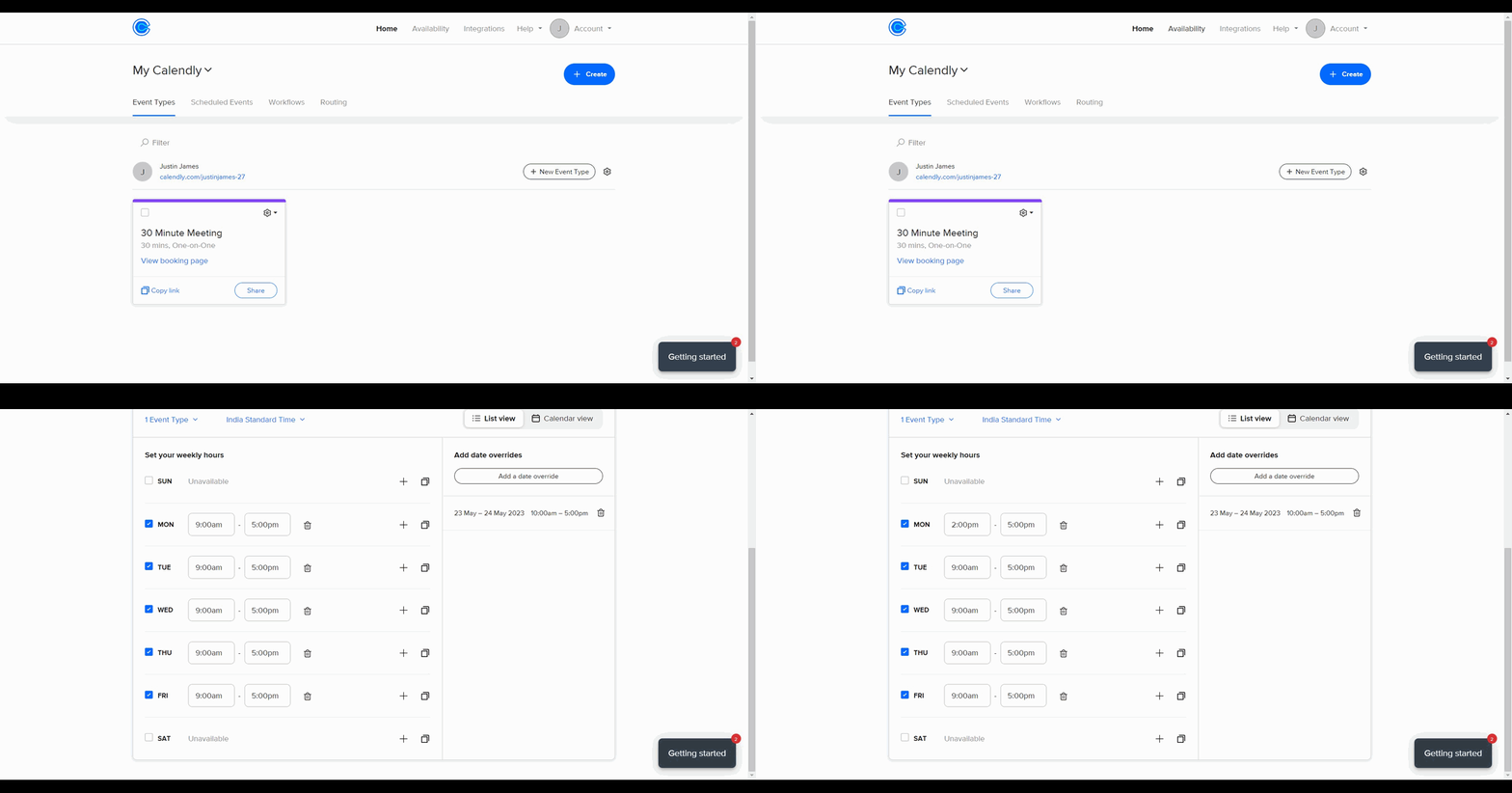
How to set your working hours on Calendly
Calendly · Scheduling
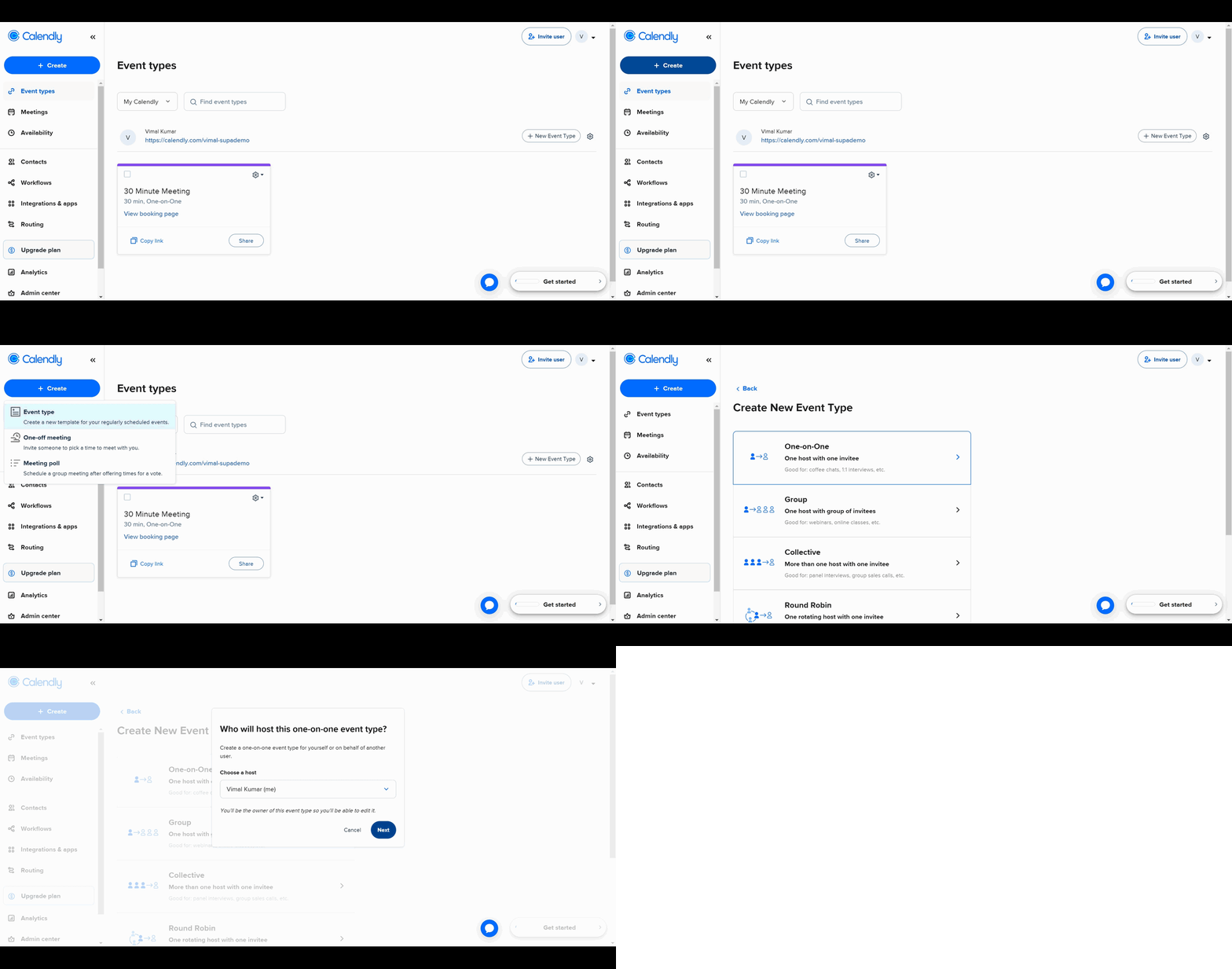
How to Use Calendly to Schedule Meetings
Calendly · Scheduling
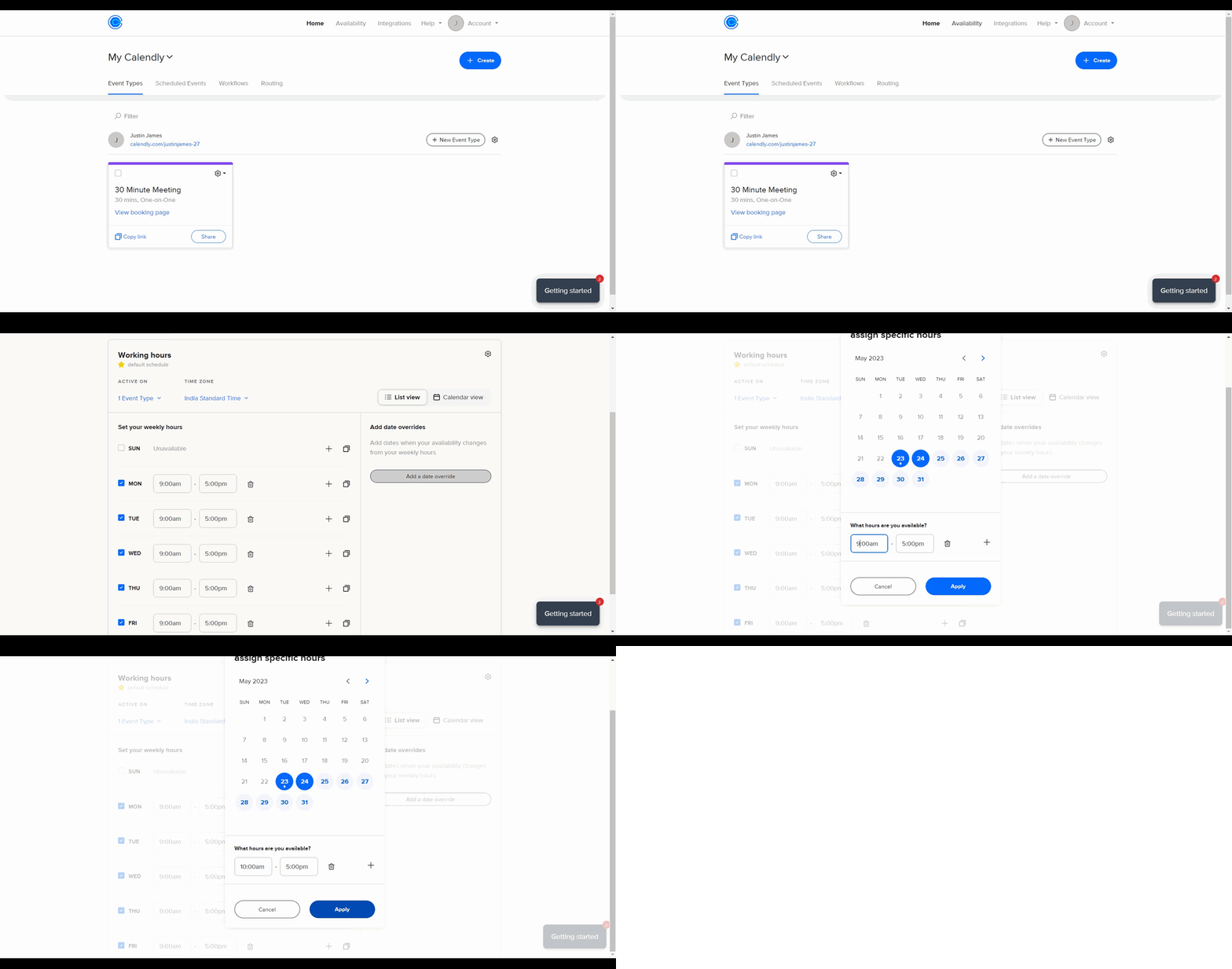
How to schedule blocks for vacations and time-offs in Calendly
Calendly · Scheduling
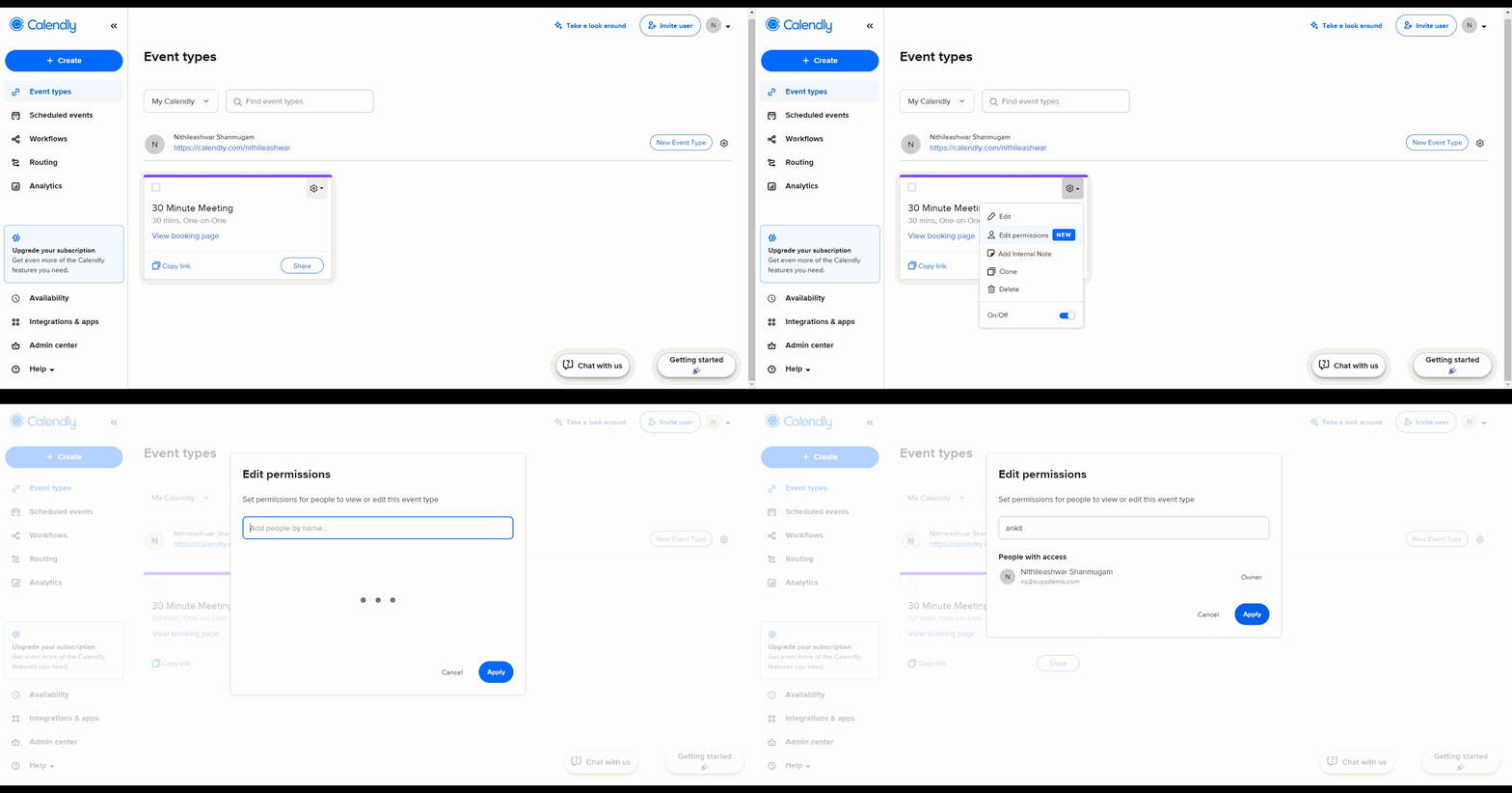
How to add teammates access to your Calendly account
Calendly · Scheduling
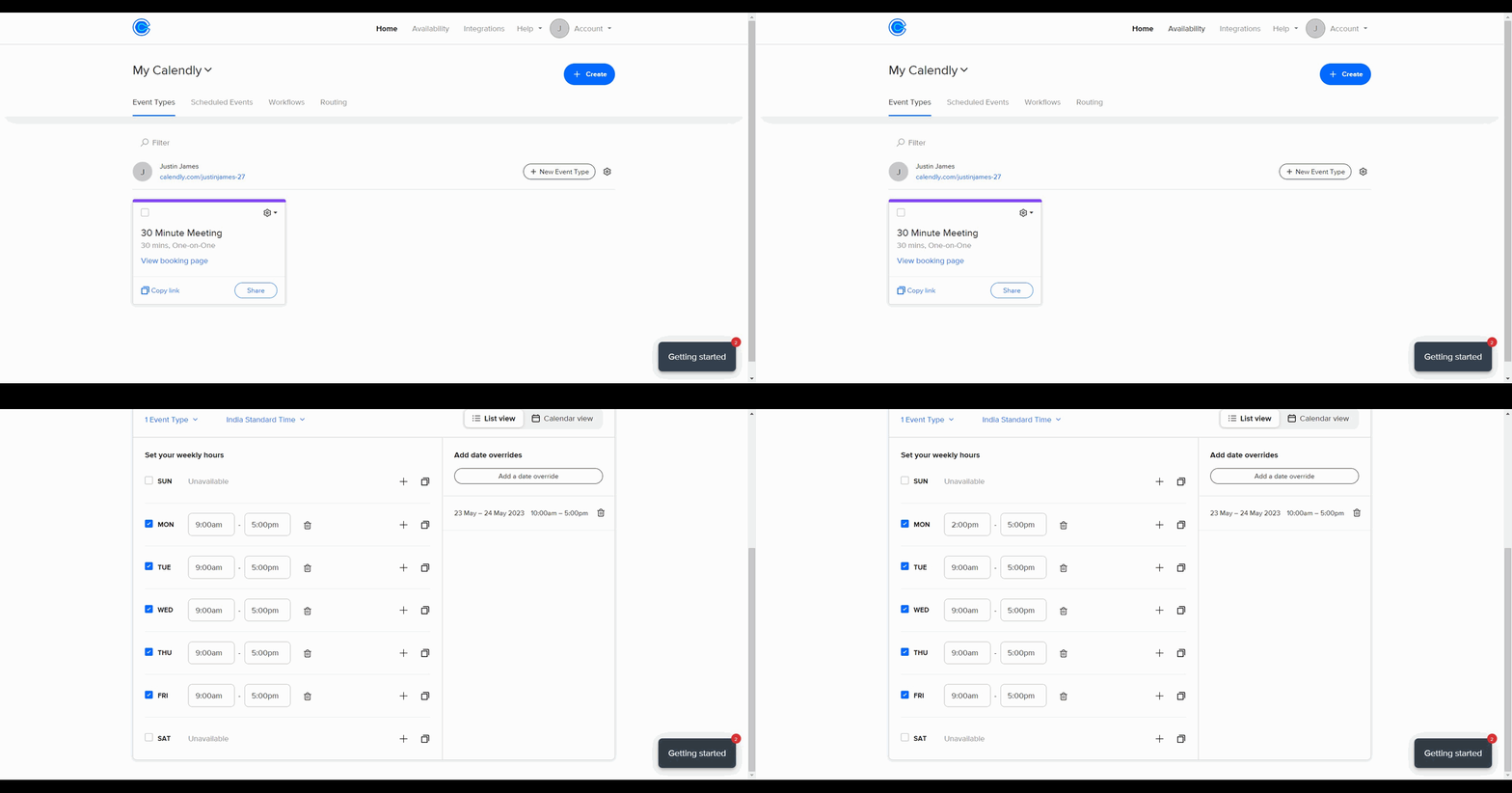
How to set your availability on Calendly
Calendly · Scheduling
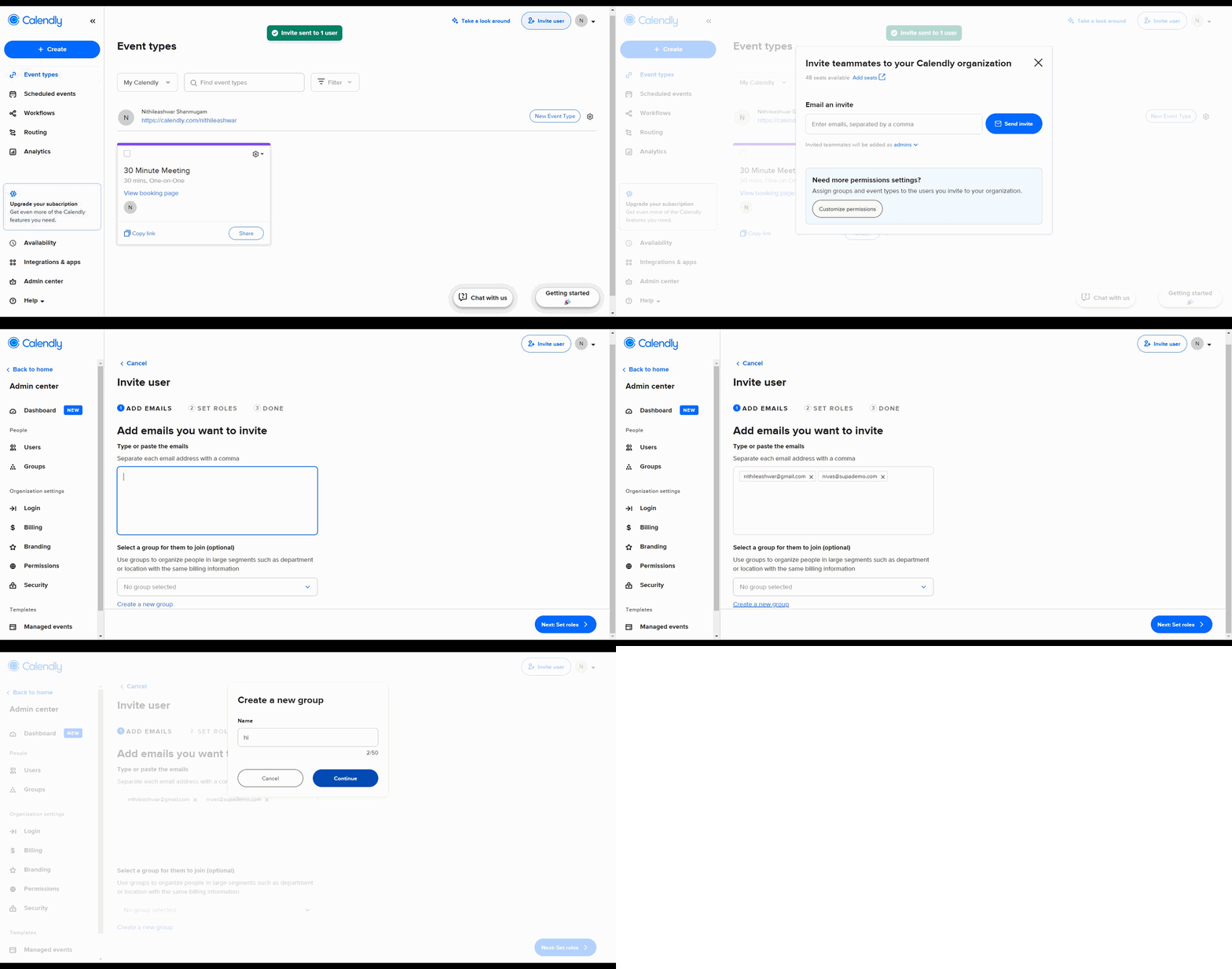
How to customize roles for users before inviting them to Calendly
Calendly · Scheduling
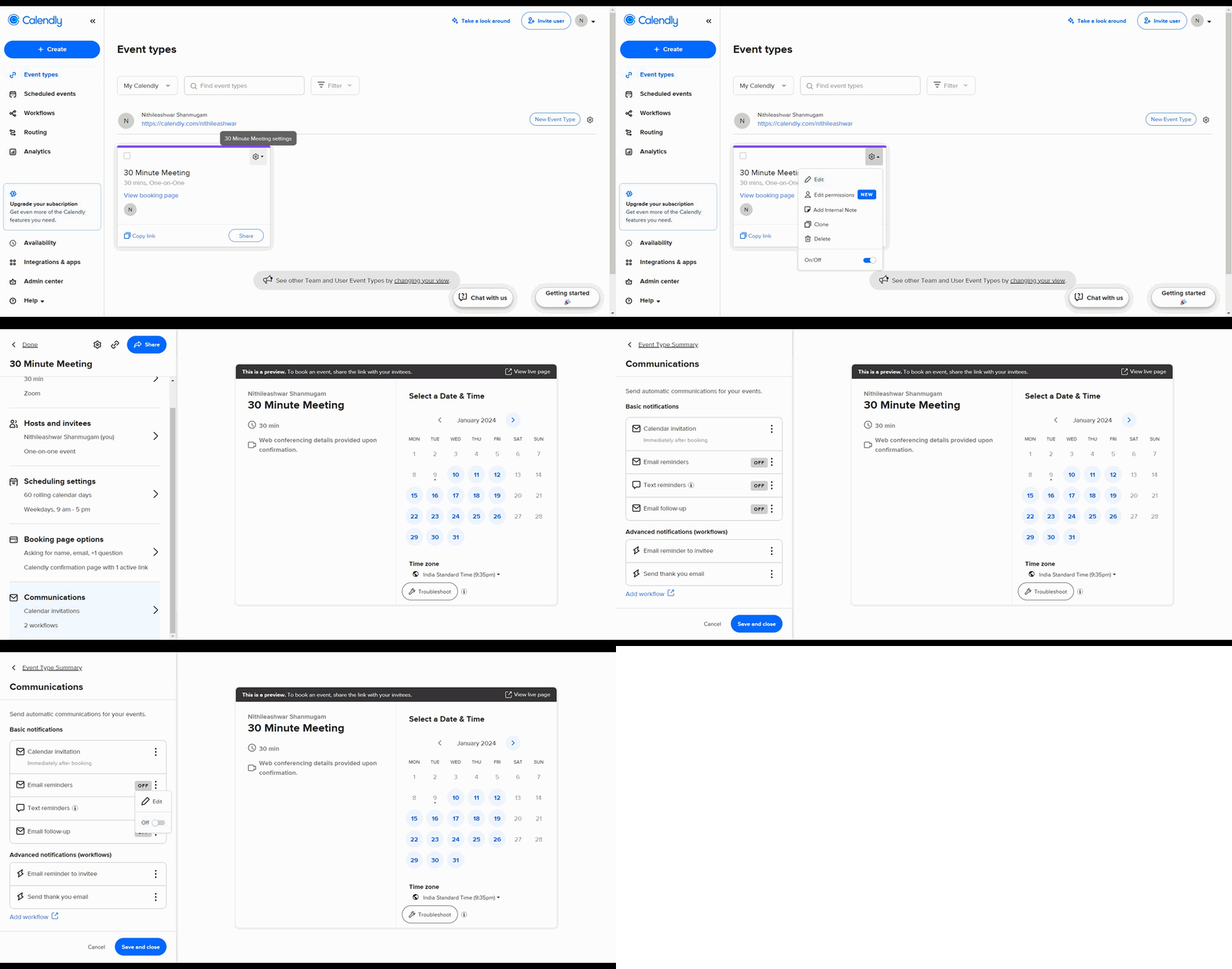
How to add reminders to attendees in Calendly
Calendly · Scheduling
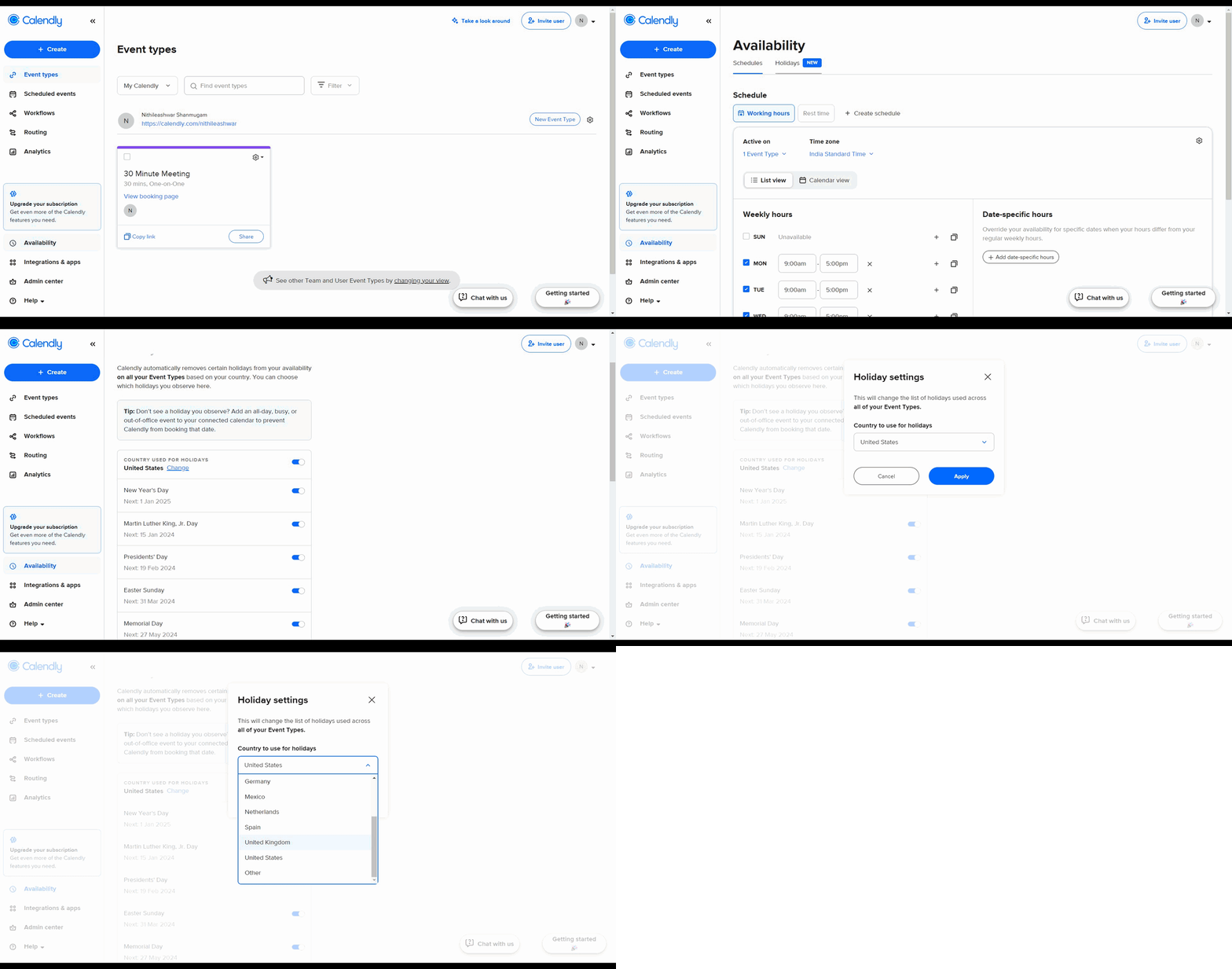
How to add holidays blackouts in Calendly
Calendly · Scheduling
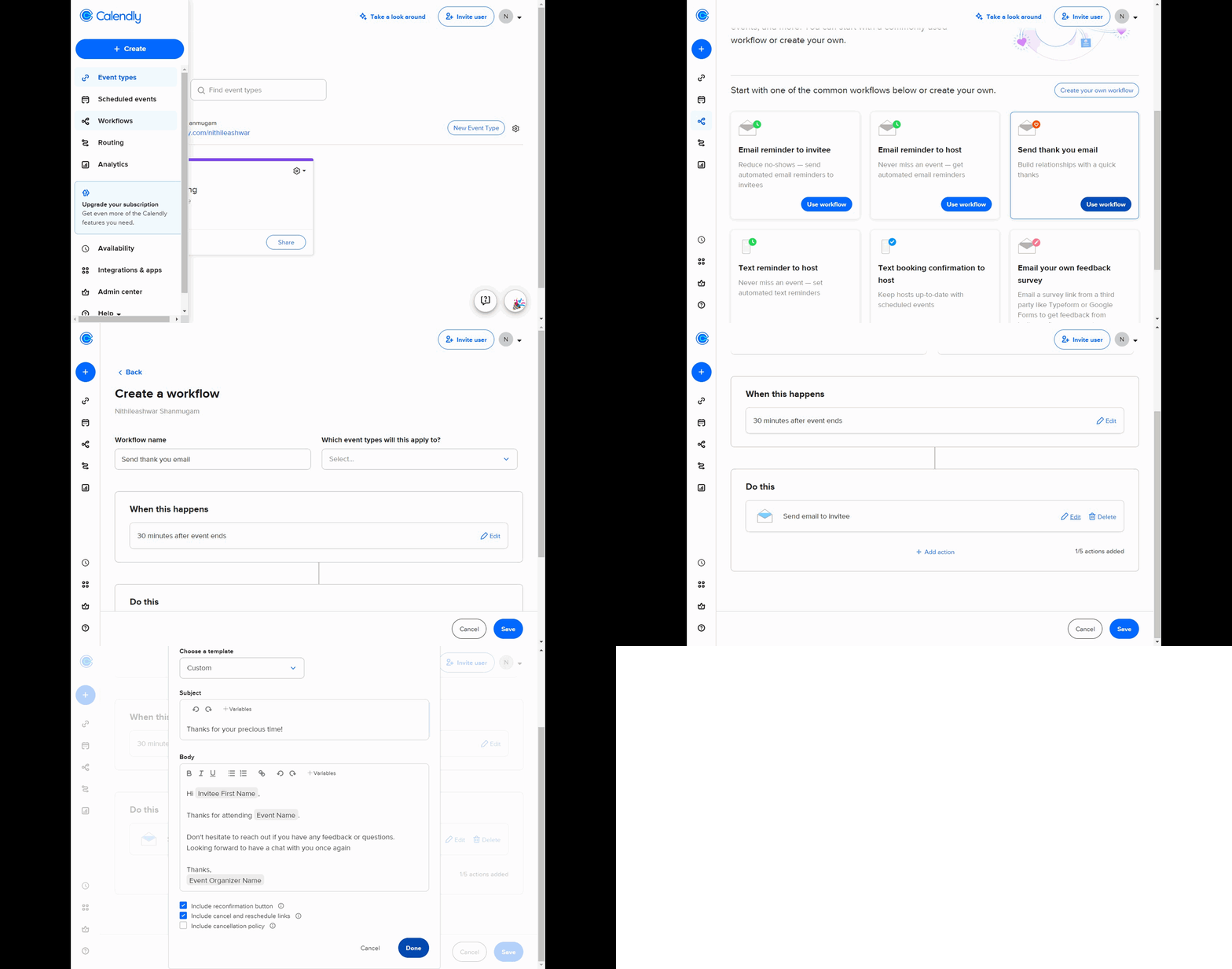
How to create workflows in Calendly
Calendly · Scheduling
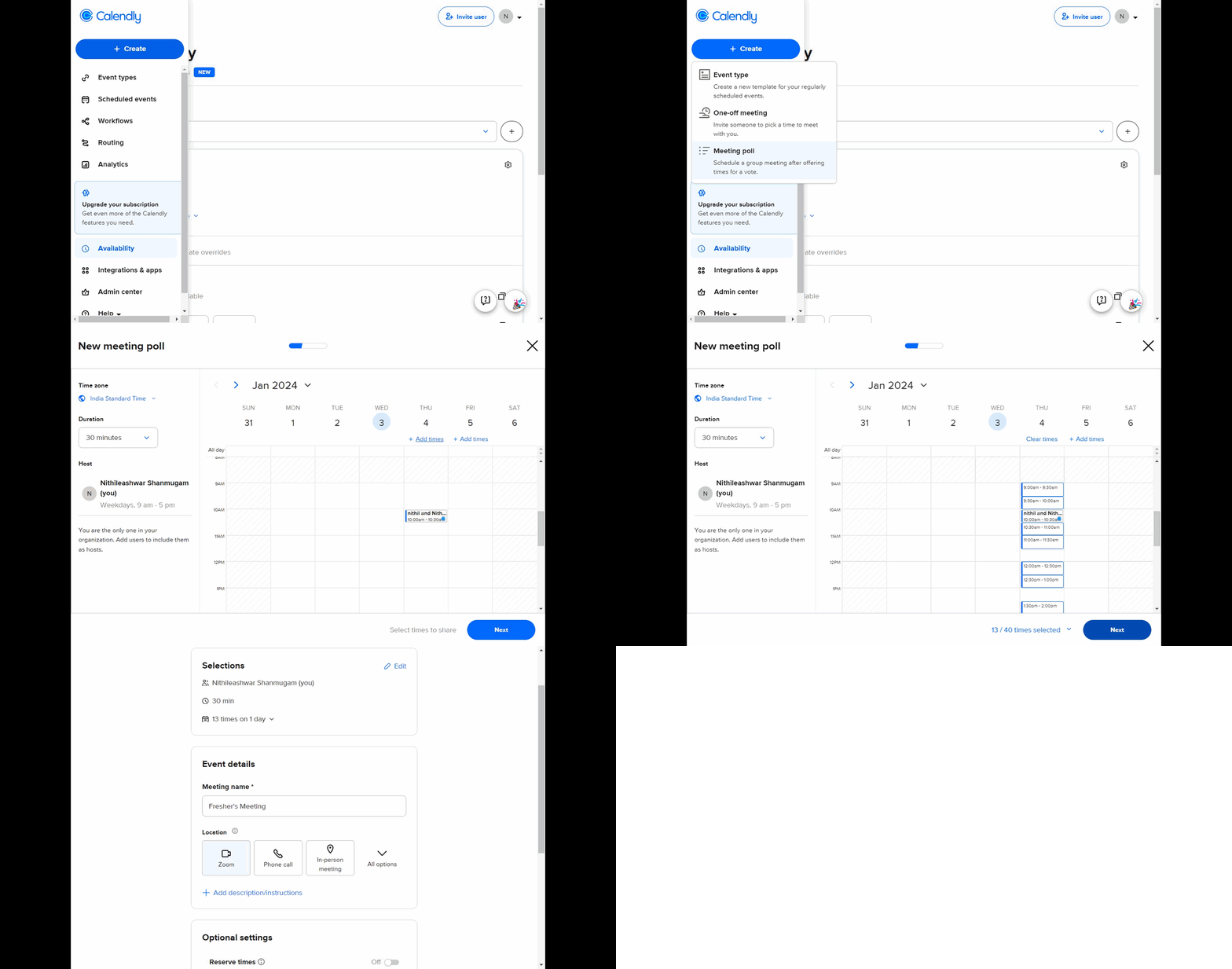
How to create a meeting poll in Zoom using Calendly
Calendly · Scheduling
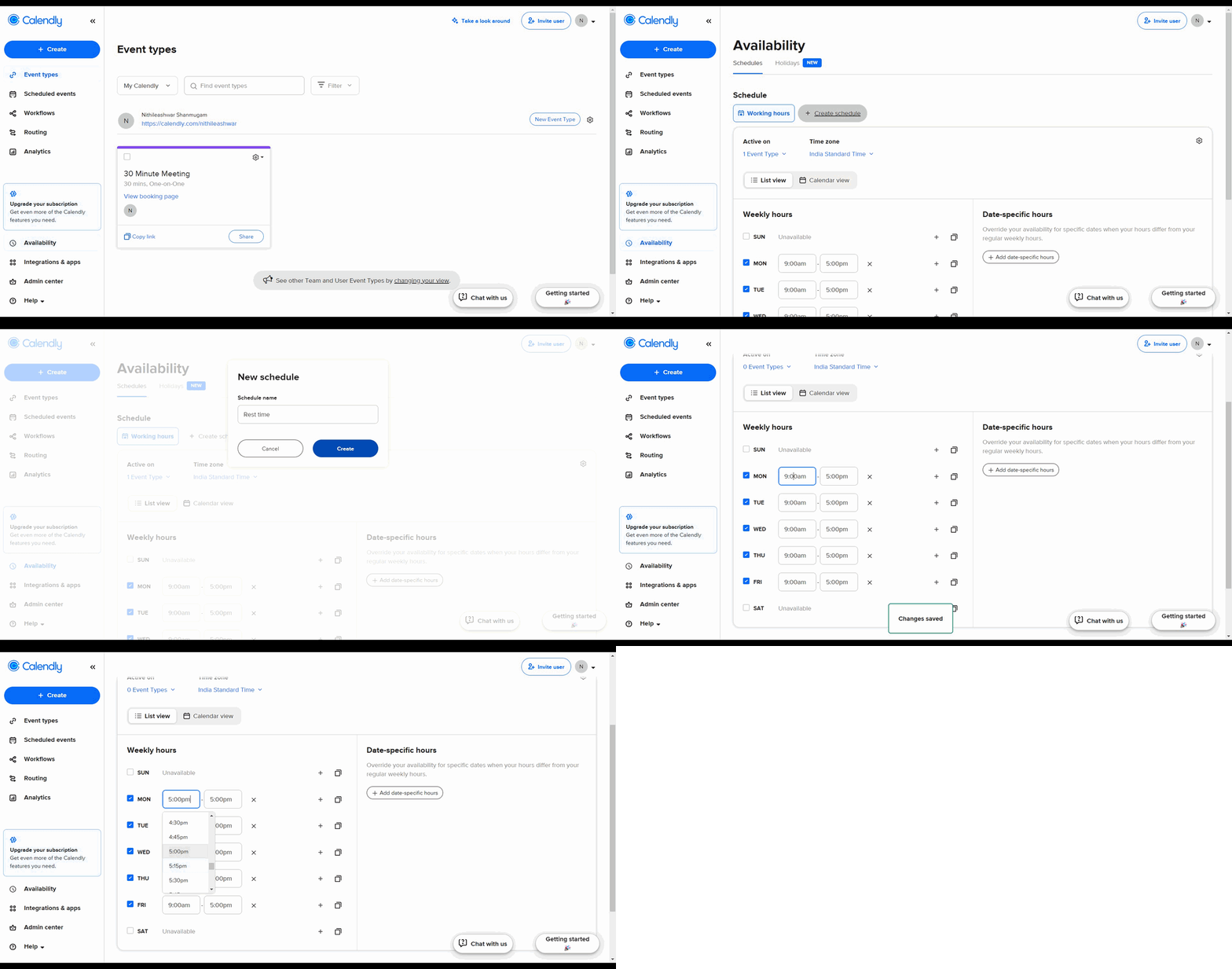
How to add your schedule in Calendly
Calendly is a powerful scheduling platform that simplifies the process of booking meetings and managing your calendar. Whether you're setting up your first event type or integrating third-party tools like Zoom, Supademo's interactive tutorials guide you through every step at your own pace. Learn best practices and advanced features to maximize your scheduling efficiency.