How is Supademo different from Camtasia for screen recording?
Supademo records the same screens as Camtasia, voices them in 25+ languages, and turns them into lessons that hold until the learner clicks the real thing, updating the whole library from one instruction. Camtasia renders a finished file you export again to change a step.
Feature comparison. Supademo leads on 6 of 6 of the features shown, out of 12 compared in full below.


Trusted by 200,000+ top operators and 3,000+ paying organizations


How does Supademo compare to Camtasia?
Supademo and Camtasia compared across pricing, screen recording, AI, and interactive demos.
| Feature | Supademo | Camtasia |
|---|---|---|
| Pricing and plans | ||
| Free videos | ✅ 50 | 🟡 Watermarked free tier |
| You pay for | ✅ Anyone records videos for freeCreators only (anyone records videos for free) | 🟡 Every creator seat, paid |
| Demo formats | ||
| Screenshots | ✅ Yes | ⛔️ No |
| Interactive click-through demos | ✅ Yes | ⛔️ No |
| Recording and capture | ||
| No desktop app | ✅ Yes | ⛔️ No |
| Editing | ✅ Free | 🟡 Paid |
| AI | ||
| AI voiceovers (25+ languages) | ✅ From $38/mo | 🟡 From $249/yr |
| AI avatars | ⛔️ No | 🟡 From $599/yr |
| Delivery and analytics | ||
| Links in videos | ✅ Free | ✅ Yes |
| SCORM / LMS export | ⛔️ No | ✅ Yes |
| Lead capture forms in recordings | ✅ Yes | ⛔️ No |
| Platform and support | ||
| Update your whole library from one instruction | ✅ Inside Supademo or your AI toolsPlain English, inside Supademo or from Claude and ChatGPT | 🟡 One project at a timeOne project at a time, on your desktop |
Why do teams choose Supademo over Camtasia?
Camtasia makes polished training videos. But it's a paid desktop app you install, and interactive demos outperform passive video for product adoption.
A free recorder for what Camtasia charges to install
Camtasia's free tier watermarks every export, and going watermark-free starts at $179.88 a year per seat. Supademo's screen recorder is free in your browser through a lightweight Chrome extension, with 4K and full editing, and no desktop app to download.
Try Supademo freeSupademo screen recorder: Free forever. Camtasia (per seat): $179.88/year. Free, no desktop app
Turn videos into interactive click-through demos
Camtasia renders an MP4 people watch once. One click turns any Supademo recording into an interactive click-through demo, with hotspots, CTAs, and lead capture, so viewers explore at their own pace and you see who engaged.
Explore use casesSupademo builds fully interactive, clickable product walkthroughs. Camtasia delivers Watch only.
Supademo
Click to advance
Camtasia
Watch only
Six capture formats beyond video editing
Camtasia records your screen and edits the footage on a timeline. Supademo captures video, screenshots, desktop apps, guided HTML demos, Figma imports, and sandbox environments. One platform replaces your recorder, your editor, and your demo tool.
Explore demo typesSupademo supports 6 of 6 recording formats: Video, Screenshots, Desktop, HTML, Sandbox and Figma. Camtasia supports 2 of 6.
One AI engine, in the product and in your agent
AI Command runs 80+ actions across your workspace, and the same engine answers Claude and ChatGPT over MCP, so one instruction retitles and translates every team's lessons, with every write held for approval. Camtasia's 200+ AI voices work one project at a time.
Explore AI featuresAI capabilities. Supademo: In-product AI, MCP for your agent, Approval on writes, Translation and Voice clone. Camtasia: 200+ AI voices, AI voiceovers and One project at a time.
AI creates content
Camtasia AI
What do users say about Supademo (vs. Camtasia & others)?
Hear from G2 reviewers, Reddit users, and teams who use Supademo regularly for product demos and customer-facing content.

Supademo on G2
Camtasia on G2
Why teams choose Supademo over Camtasia

“The past two days I made ten videos, which is a huge difference with Wistia, because then I would have had one video in two days.”

“We had Loom before. You have to redo the entire thing. All the videos we recorded before were just basically garbage.”

“I use Supademo for onboarding demos and tutorials, and I appreciate how intuitive it is to get started with little instruction. The ability to overlay hotspots and voiceovers makes the process much faster than creating a video or a traditional SOP.”

“Supademo turned out to be a solid fit because it lets us generate those interactive follow-ups quickly, and the analytics help us see exactly where people dropped off or rewatched.”
Should you choose Supademo or Camtasia?
Two tools built for two different workflows. Here is where each platform delivers the most value.
Choose Supademo
Customer Success
Answer the repeat questions with a walkthrough in the help center, and keep it current as the product changes
Sales
Send a personalized demo in an outbound sequence, then see which steps the account opened before the rep follows up
Training
Walk new hires through an SOP in 25+ languages, and see who finished
Marketing
Embed a demo on the landing page so visitors try the product before booking anything, and capture the email at that moment
Free plan available. No credit card required.
Start freeBest for produced course video
Choose Camtasia if you need...
- Timeline editing with transitions, callouts and effects, rendered into a finished course video
- Quizzes and SCORM packages built in the app, on every tier, for the LMS your courses live in
- AI avatar presenters and audio dubbing for course modules, on Camtasia's top tier
- Recording and editing on your own machine, when the footage should not go near a browser
Still deciding between Supademo and Camtasia?
Answer 5 quick questions and get a personalized recommendation.
What Supademo can do that Camtasia can't
Free 4K recording in your browser, full editing, AI voiceovers, voice cloning, and demos viewers click through.
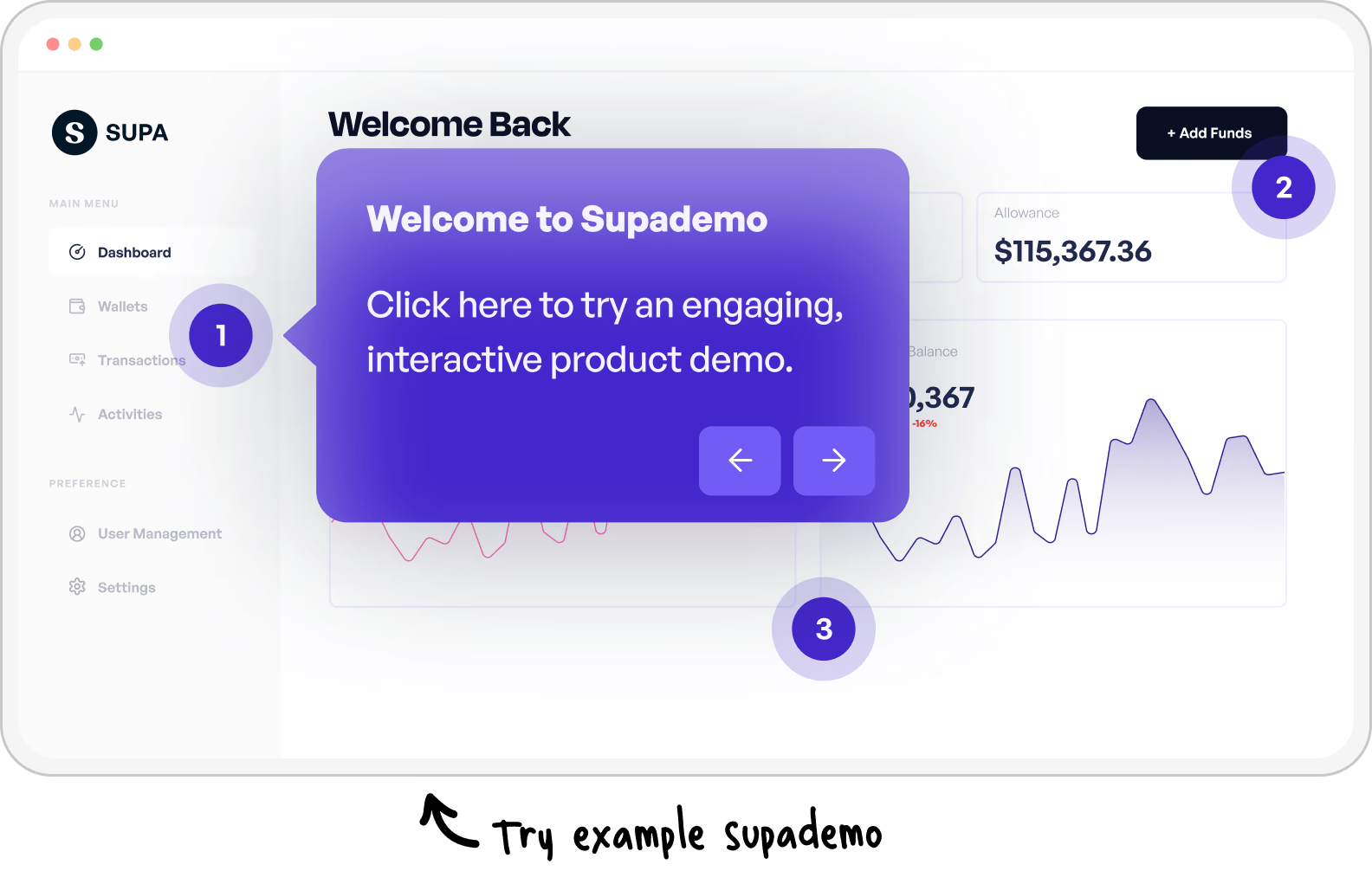
Dig deeper into Supademo vs. Camtasia
Top Camtasia Alternatives in 2026
Looking beyond a direct comparison? Our guide covers the best Camtasia alternatives for teams that need interactive demos, not just edited video.
Explore Camtasia alternatives
Common questions about Supademo vs. Camtasia
Everything teams ask when comparing Supademo and Camtasia for product demos, training, and customer-facing content.
Is Supademo a free alternative to Camtasia?
Yes, for recording. Camtasia watermarks exports on Starter at $39 a year and clears the watermark from Essentials at $179.88 a year. Supademo's screen recorder is free with 50 recordings in 4K, editing included and no watermark, and the same recording becomes a click-through lesson.
How much does Supademo cost compared to Camtasia?
Camtasia sells four annual tiers: Starter at $39, Essentials at $179.88, Create at $249, which is where its 200+ AI voices start, and Pro at $599, which adds avatar presenters and audio dubbing. Supademo is $38 a month per creator with AI voiceover, translation and analytics included, and every viewer free. See our pricing page.
Can Supademo record and edit screen video like Camtasia?
Yes. Supademo records your screen and webcam in 4K through a Chrome extension, and its desktop apps for Windows and macOS capture native software. Editing happens step by step in the browser: trim the clip, swap a screenshot, regenerate the voiceover. There is no timeline to render, and every place the lesson is published shows the change.
What can Supademo do that Camtasia can't?
Lessons that hold until the learner clicks the real thing, guided HTML demos, sandbox copies of your interface, conditional branching by role, lead capture forms, demo hubs, and completion reported per step rather than as a view count. Camtasia is a desktop editor that renders video.
Why do teams switch from Camtasia to Supademo?
Upkeep is the usual reason. A course built in Camtasia is a set of rendered files, so one UI change means reopening the project and exporting again, while a Supademo lesson is edited at the step and keeps the same URL everywhere it is embedded. Completion also arrives per step instead of per view. Our Camtasia alternatives roundup has the comparison.
Can Supademo replace Camtasia for training and onboarding?
For the lessons, yes. New hires click through the real screens, AI narrates in 25+ languages, and completion is reported per step. Camtasia also builds quizzes and SCORM packages itself, which Supademo does not; our free iframe to SCORM tool wraps a live lesson into a SCORM 1.2 package instead, and your LMS reads lesson status and session time from it.
Is Supademo or Camtasia better for customer education teams?
Supademo, when the goal is a learner who can do the task afterwards. The lesson holds until they click the right thing, branching splits product admins from everyday users, and completion arrives per step. Camtasia is the better fit when the deliverable is a produced video with transitions, effects and a voice you direct.