Explore step-by-step, guided
tutorials of Google Docs
Interactive step-by-step guides for mastering Google Docs formatting and editing features.
Google Docs · Productivity
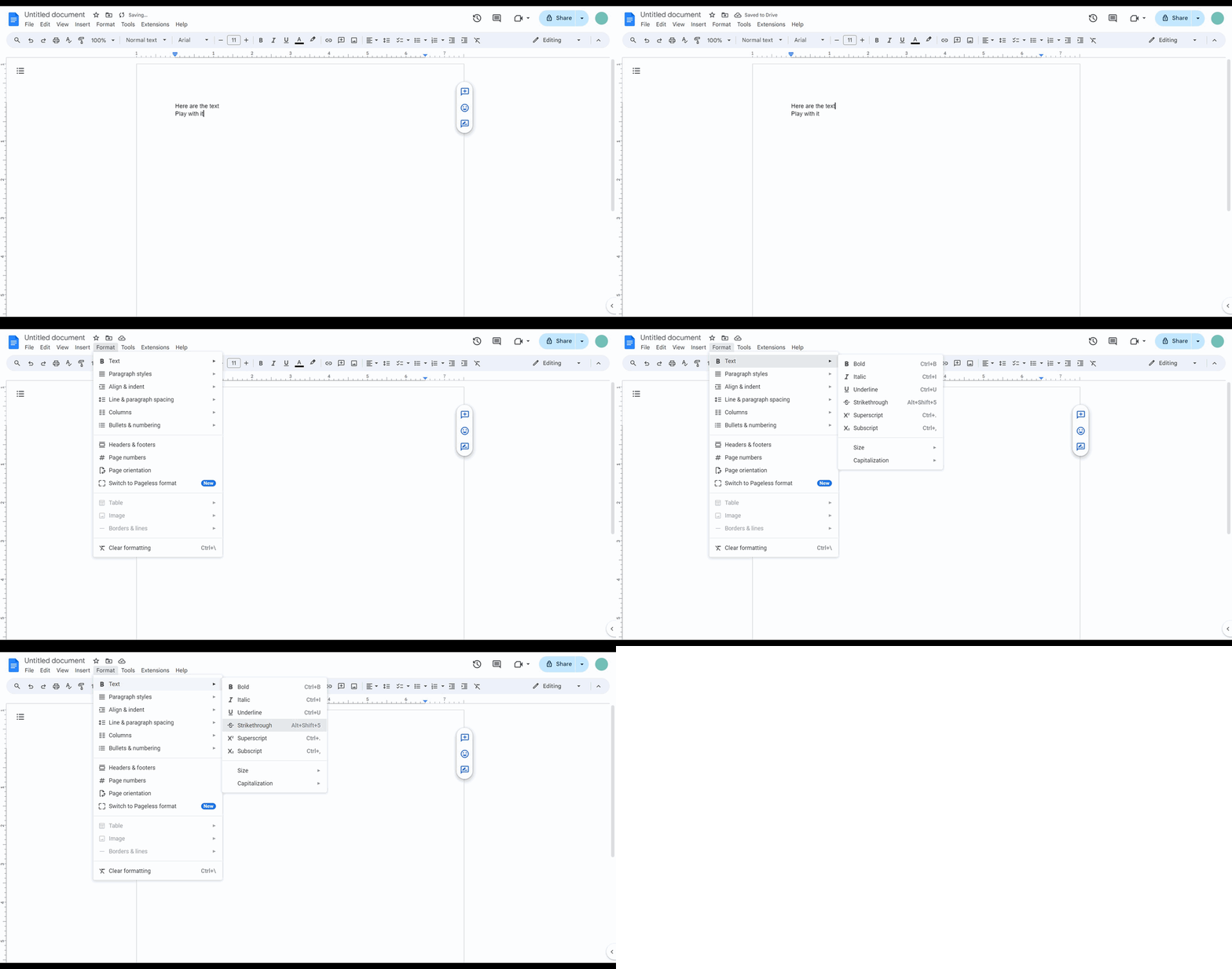
How to strikethrough text in Google Docs
Google Docs · Productivity
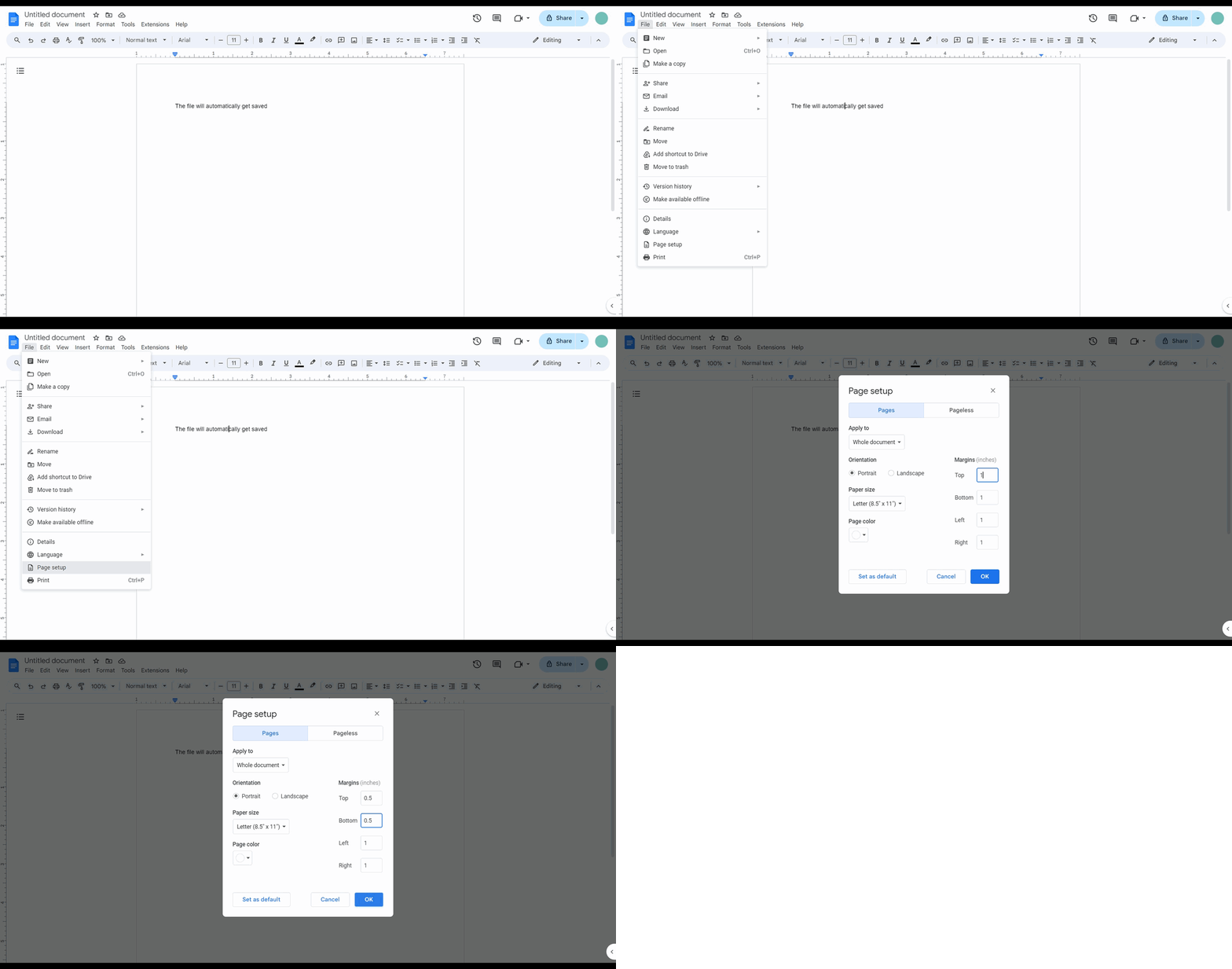
How to reduce margins in Google Docs
Google Docs · Productivity
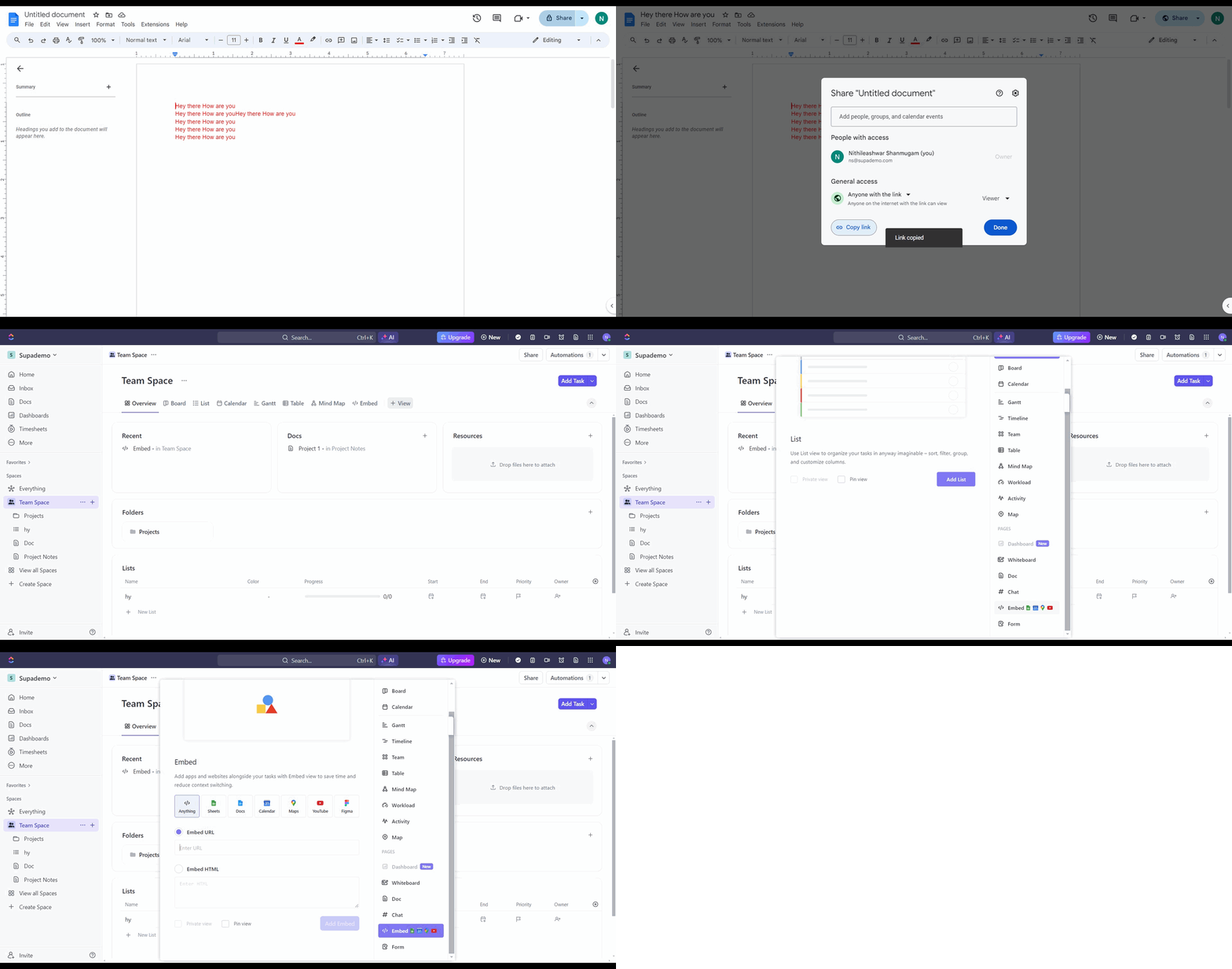
How to share a Google Doc to ClickUp
Google Docs · Productivity
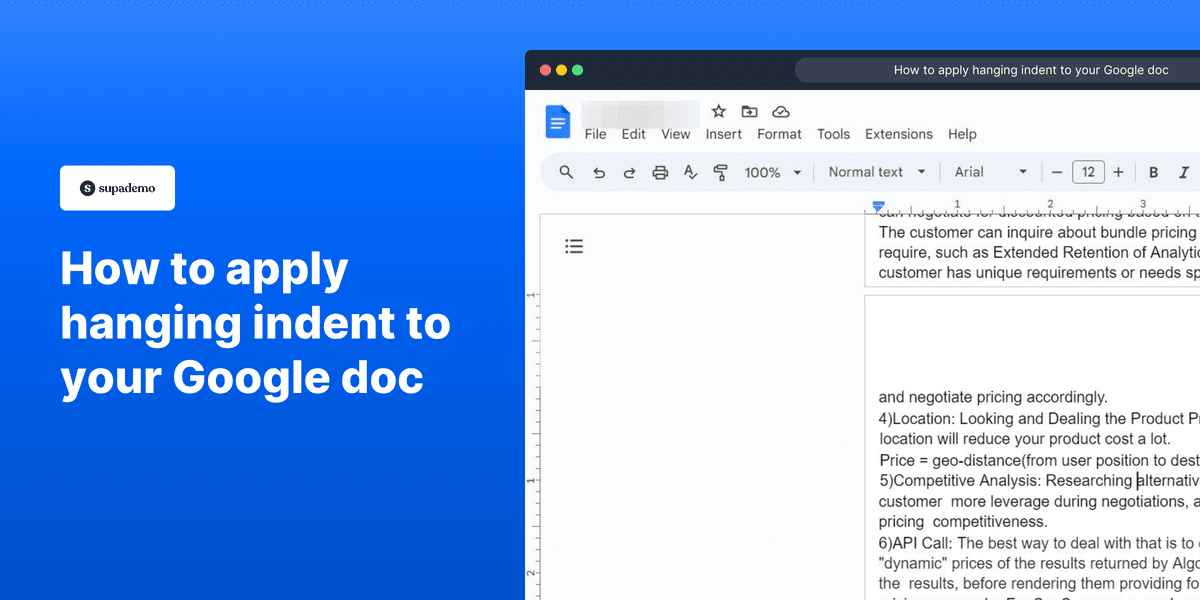
How to apply hanging indent to your Google doc
Google Docs · Productivity
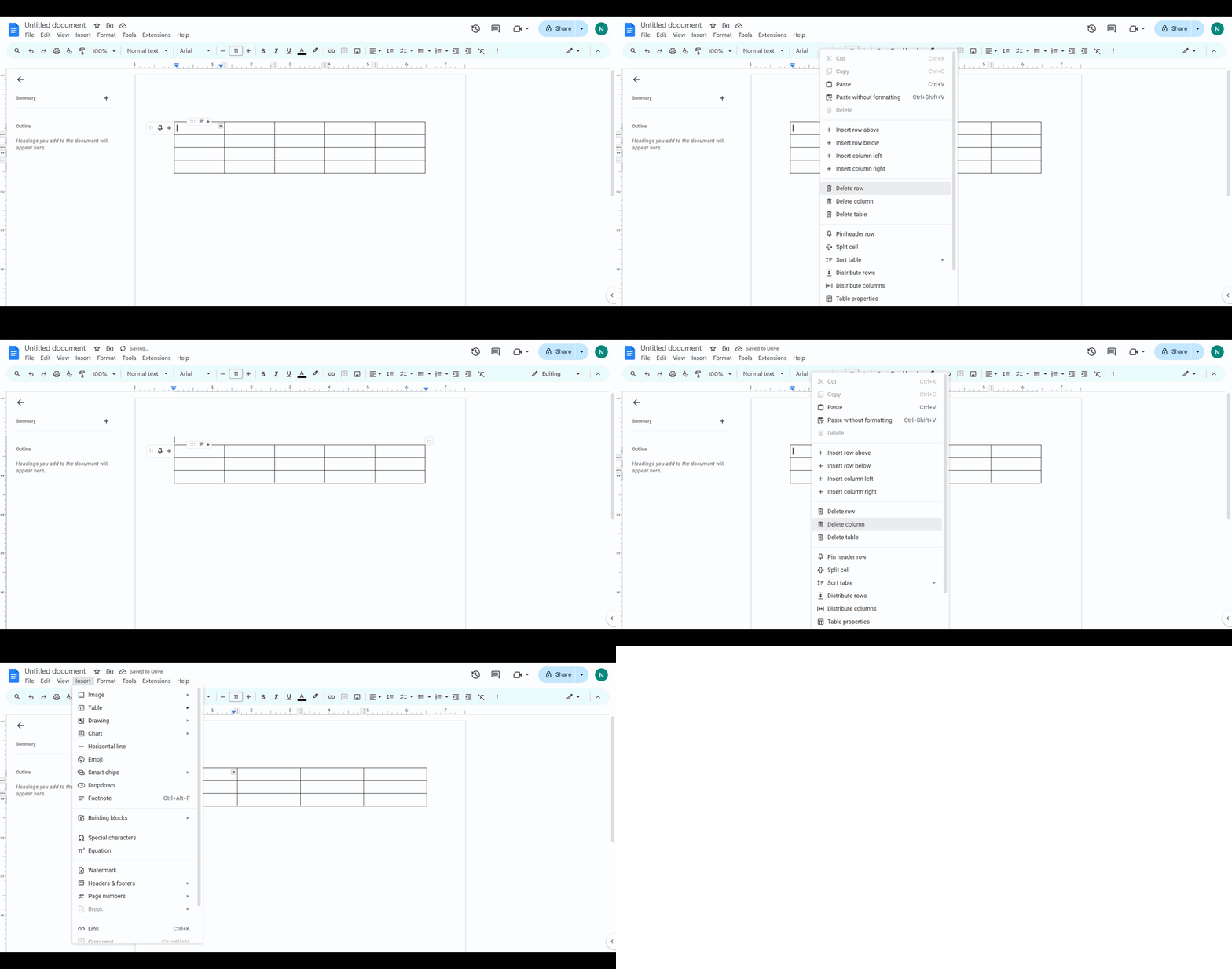
How to insert and delete tables in Google Docs
Google Docs · Productivity
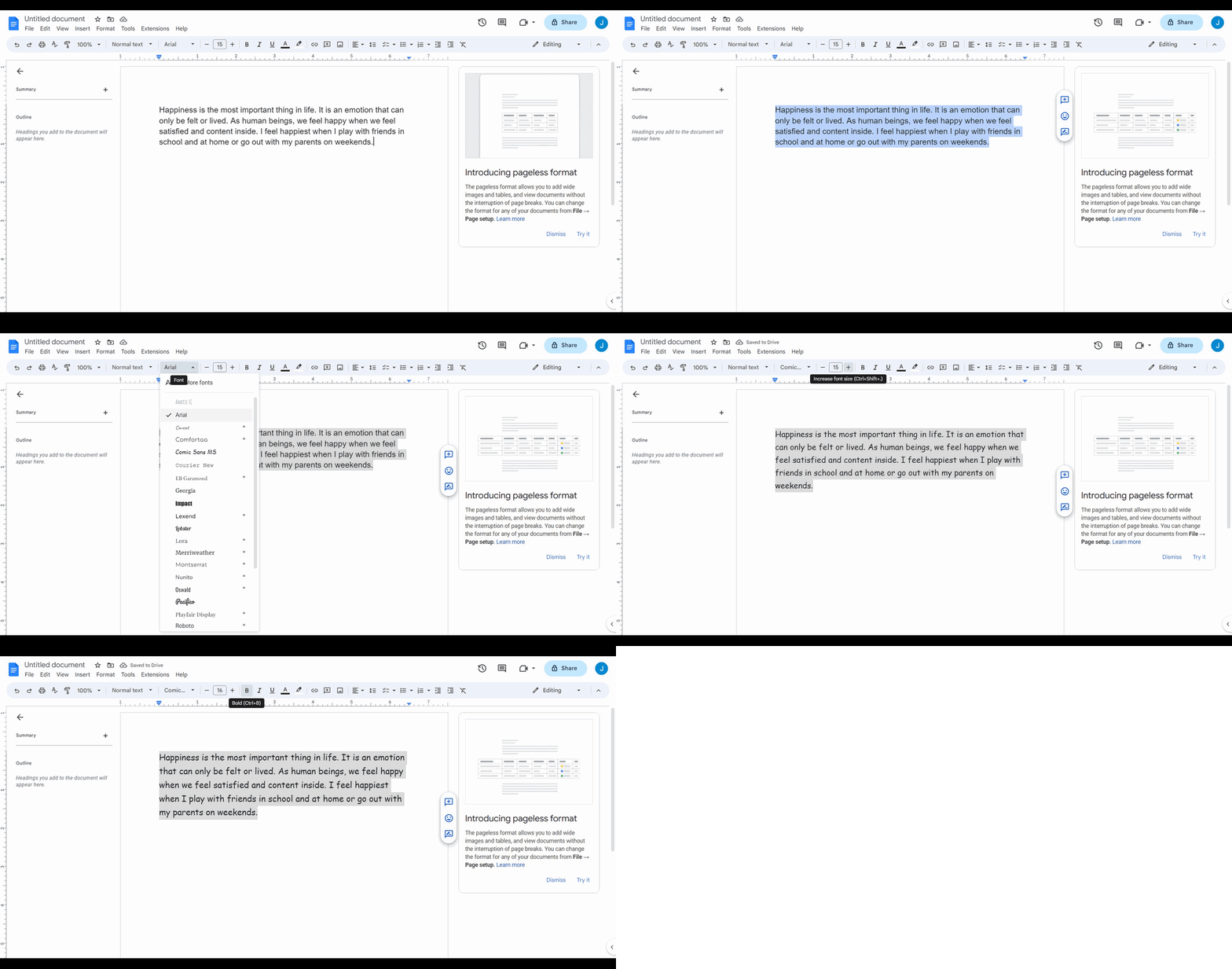
How to change and edit font in Google Docs
Google Docs · Productivity
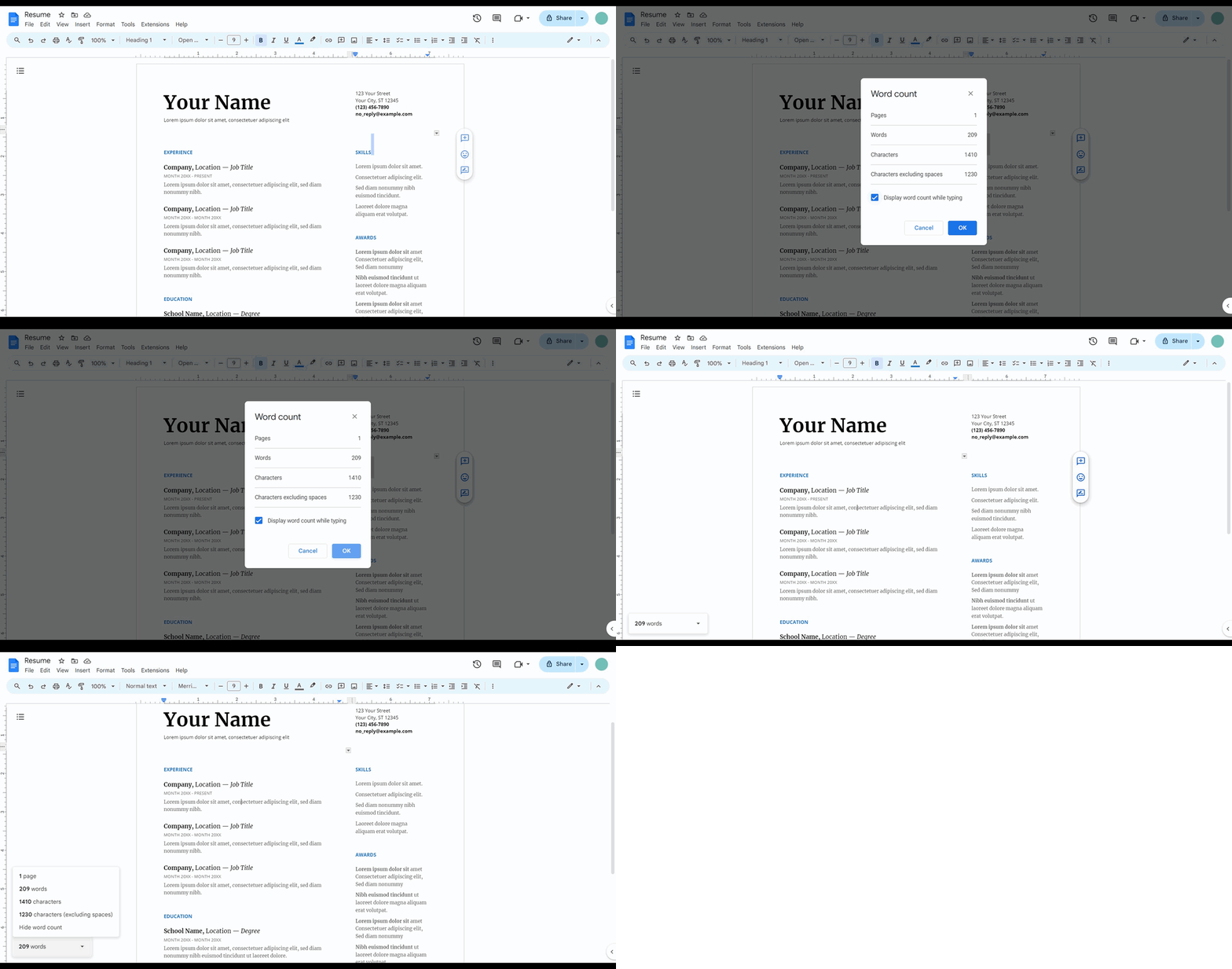
How to track your word count in Google Docs
Google Docs · Productivity
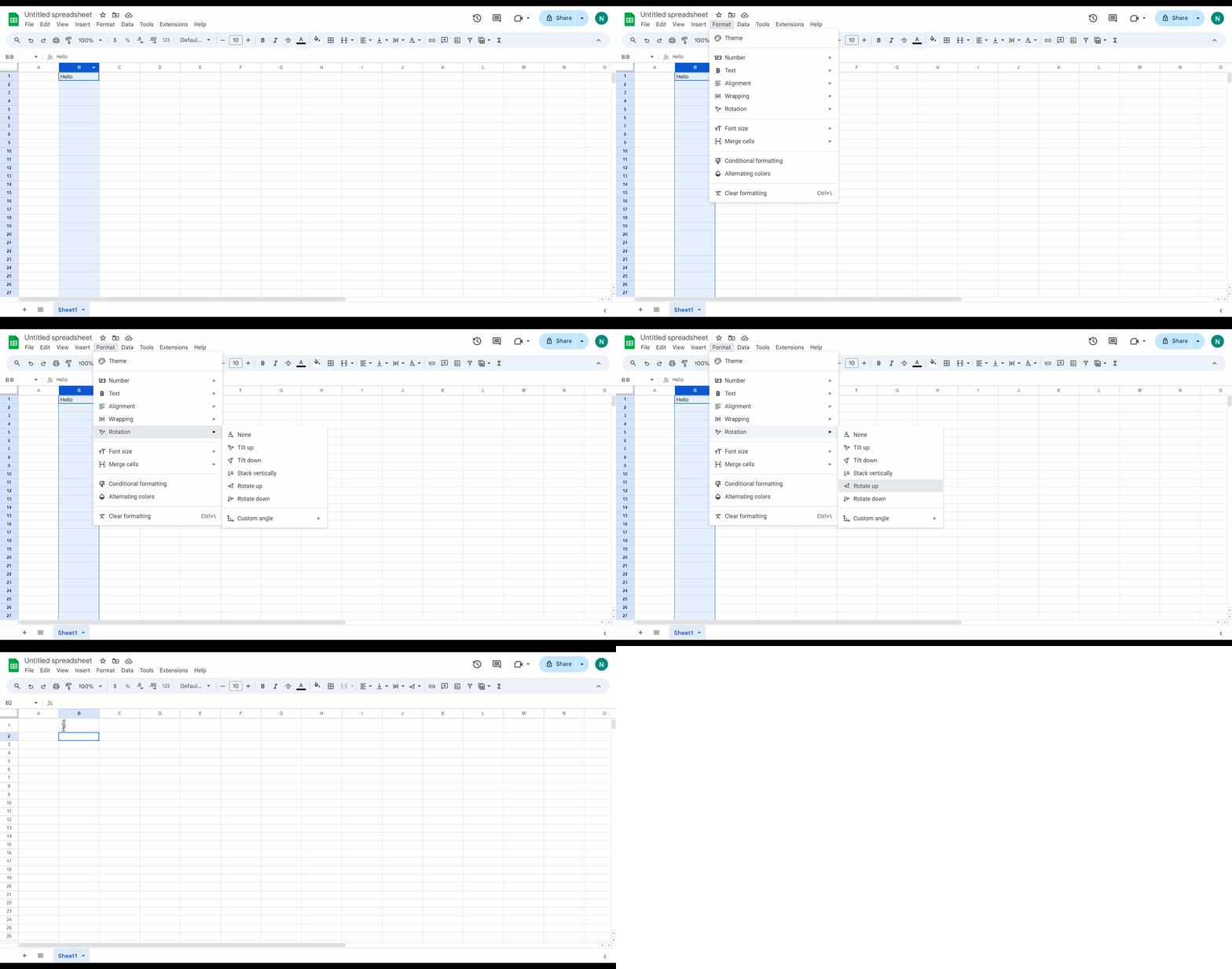
How to rotate and insert checkboxes in Google doc
Google Docs · Productivity
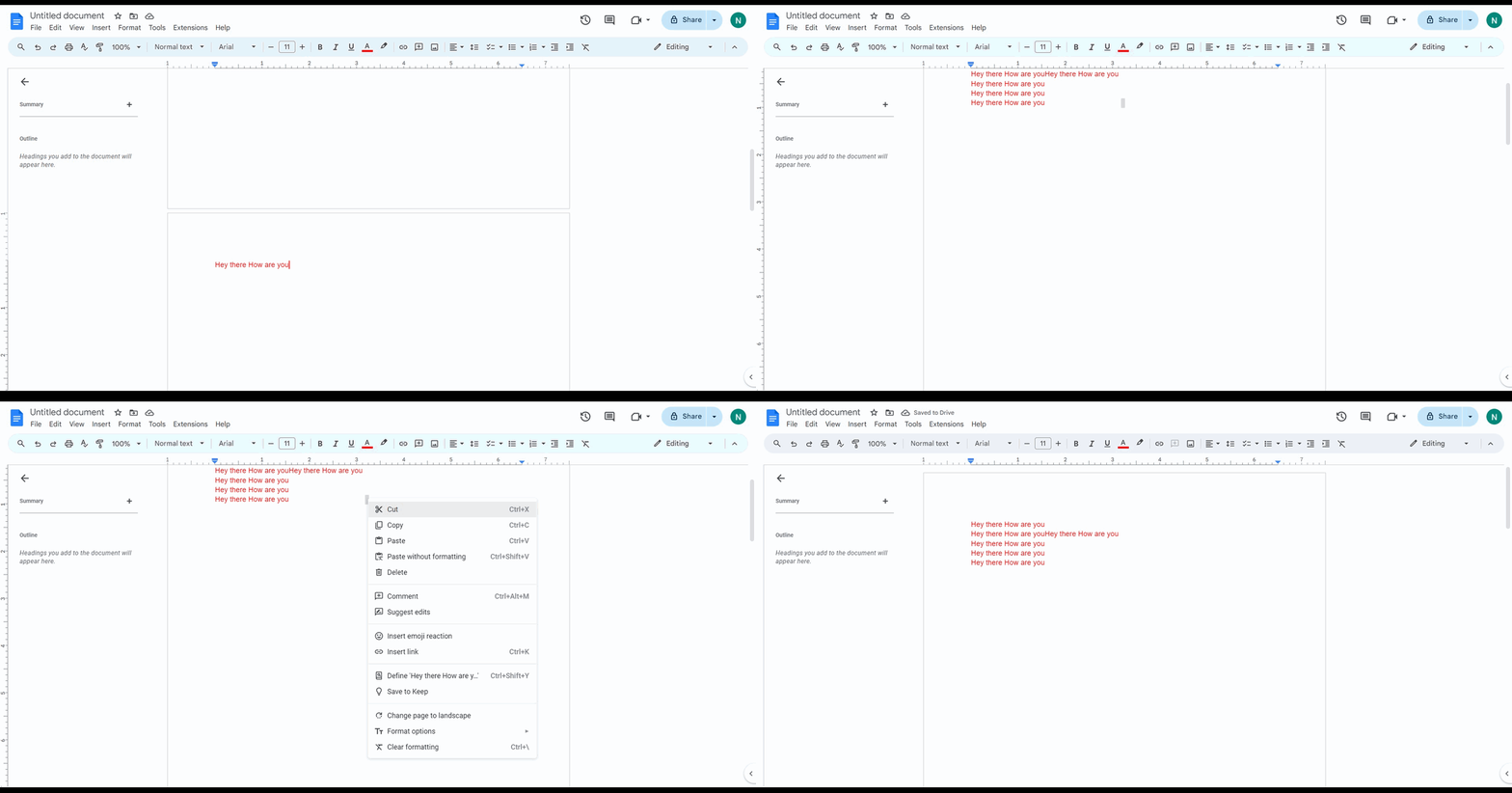
How to delete an unwanted page in Google Docs
Google Docs · Productivity
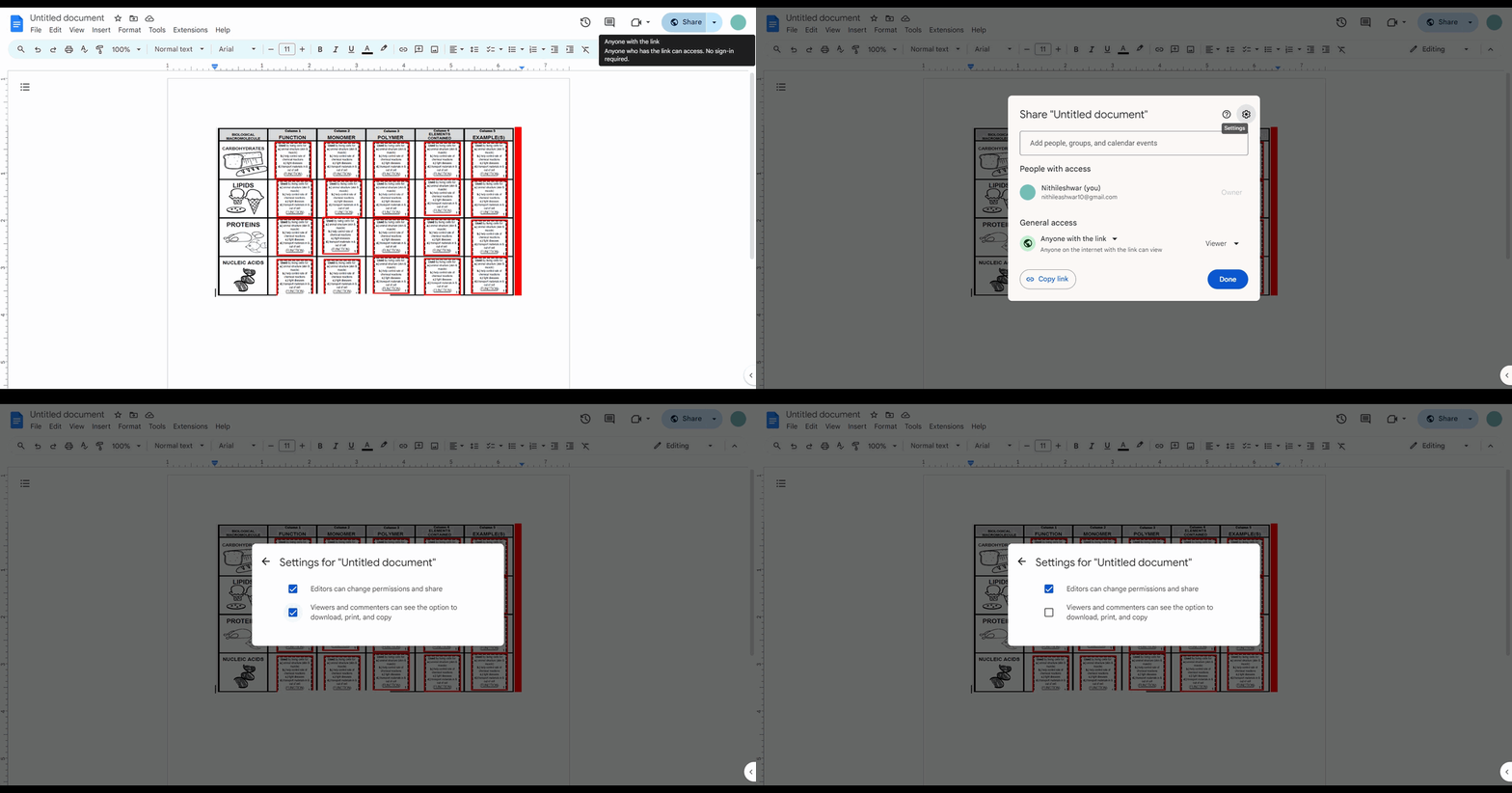
How to prevent viewers from resharing or copying Google Docs, Sheets, or Slides
Google Docs · Productivity
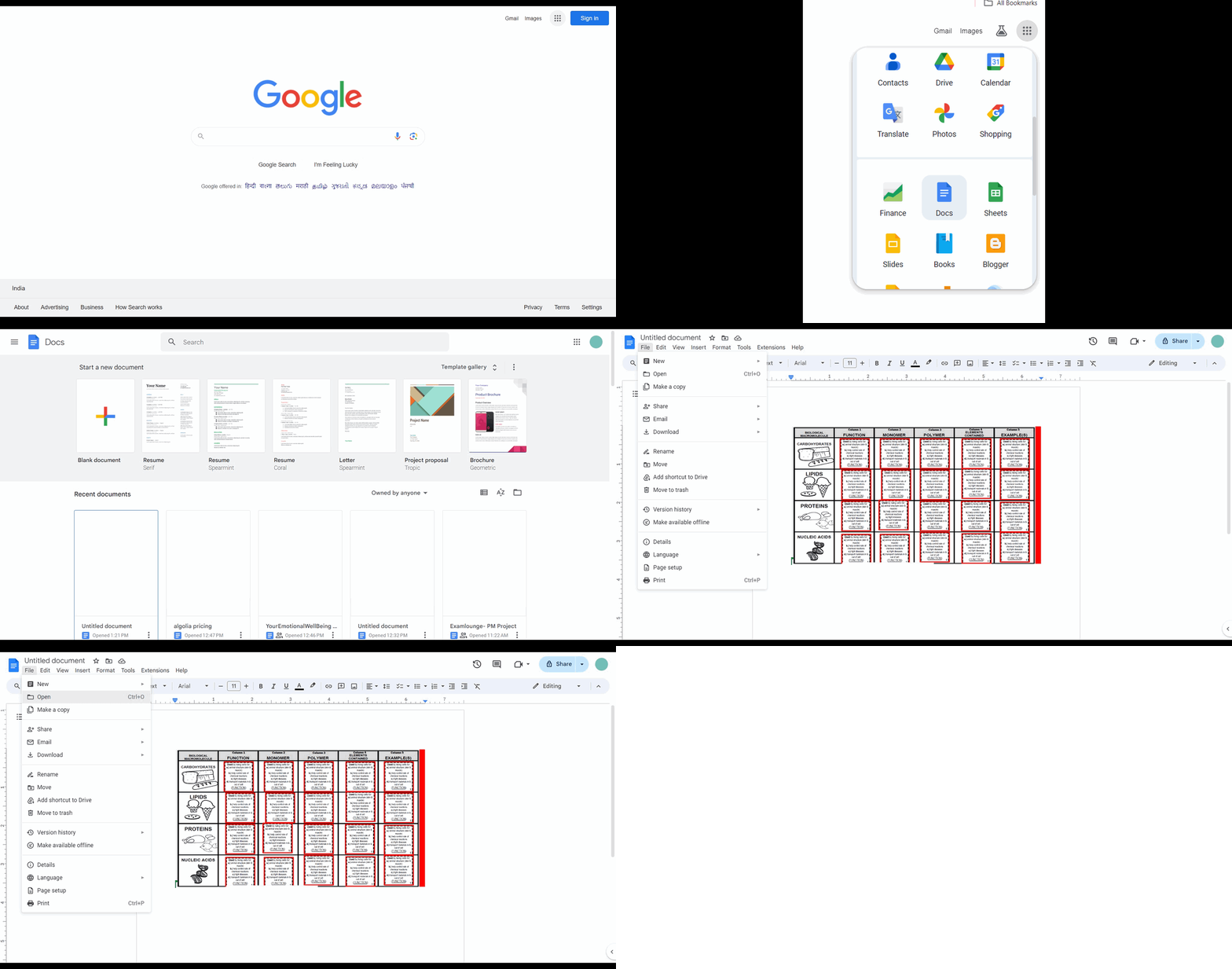
How to open a word document in Google Docs
Google Docs · Productivity
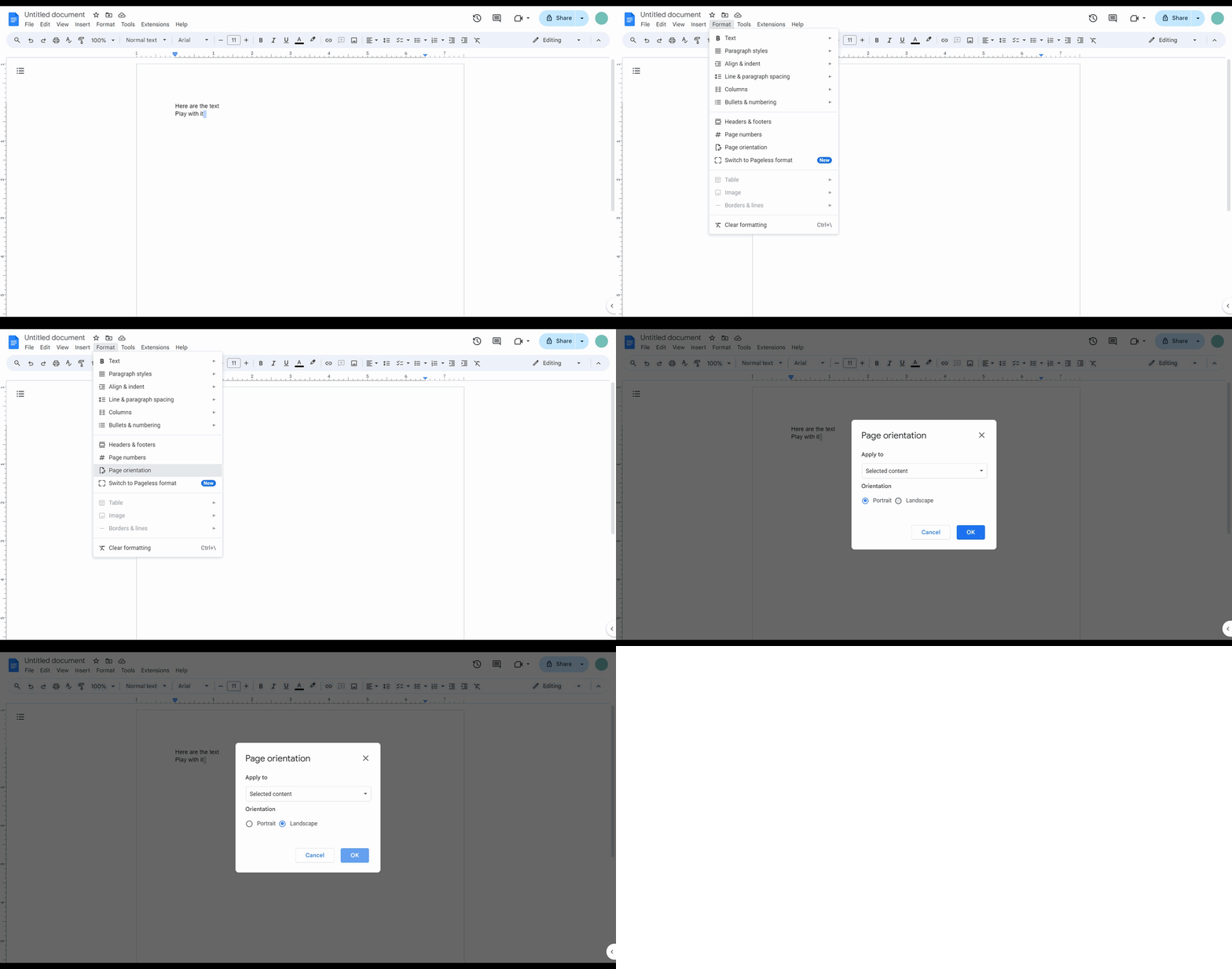
How to change the orientation of your Google doc
Google Docs · Productivity
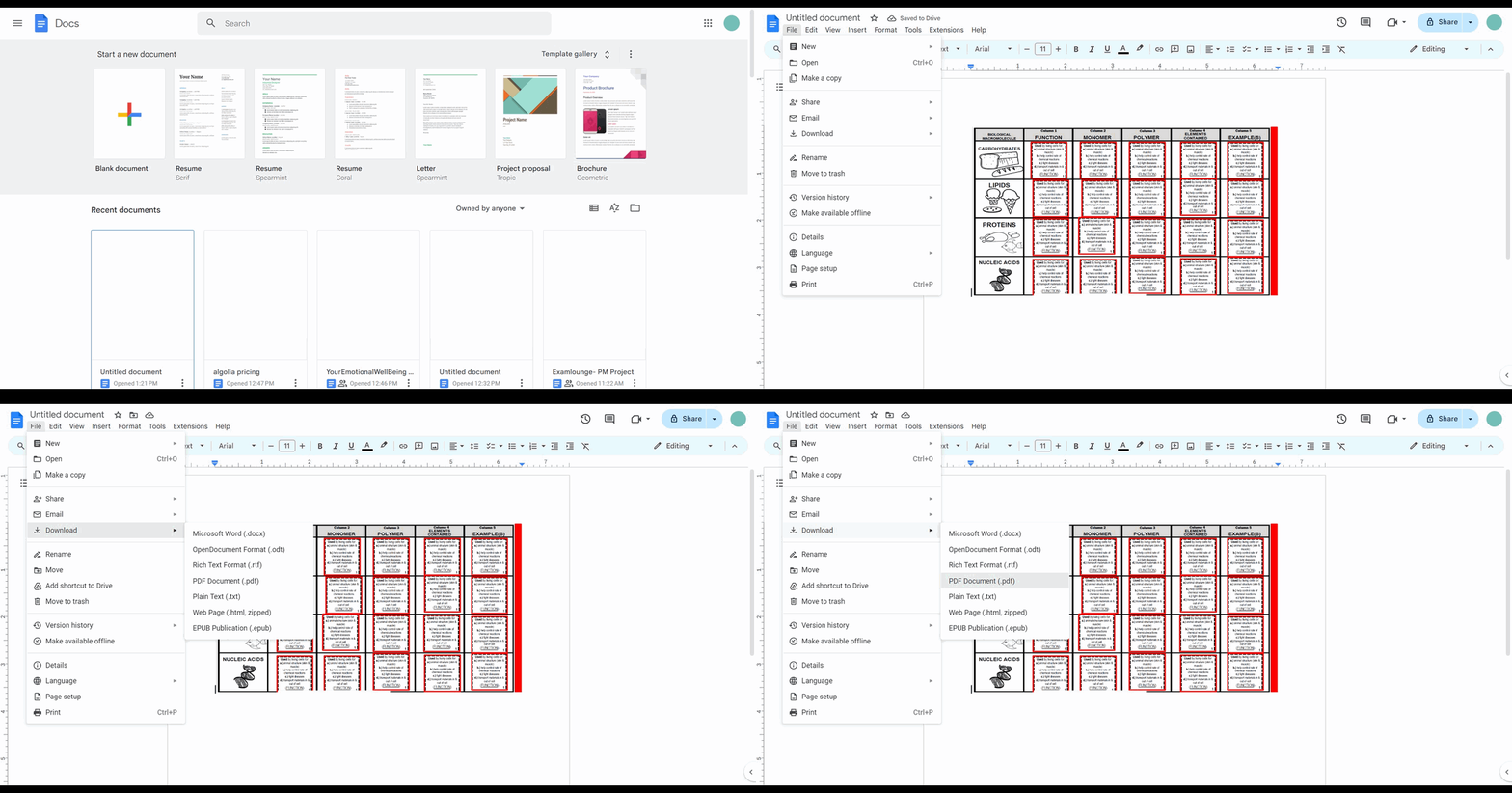
How to export a Google doc into a PDF
Google Docs · Productivity
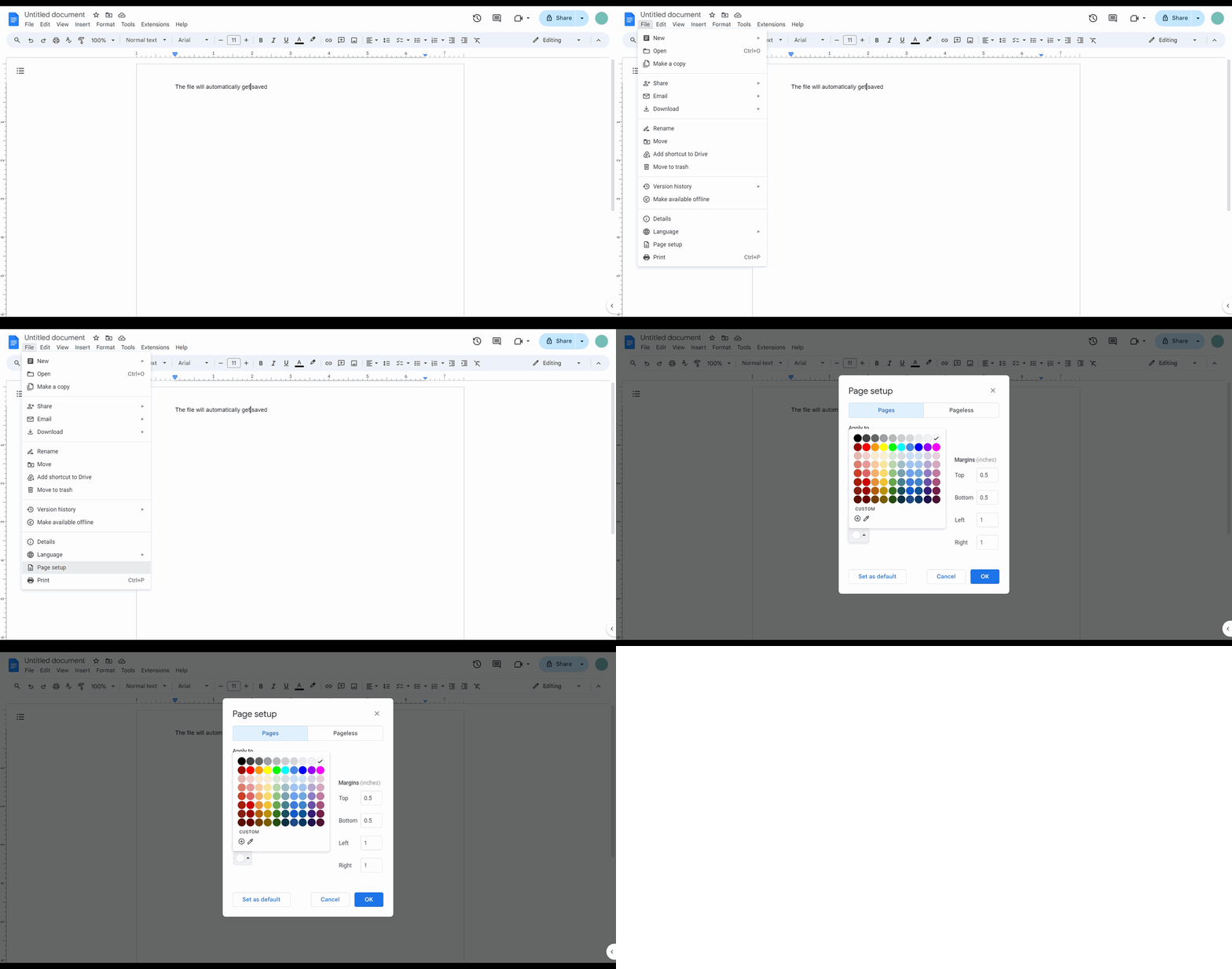
How to add background color on Google Docs
Google Docs · Productivity
How to track your word count in Google Docs
Google Docs · Productivity
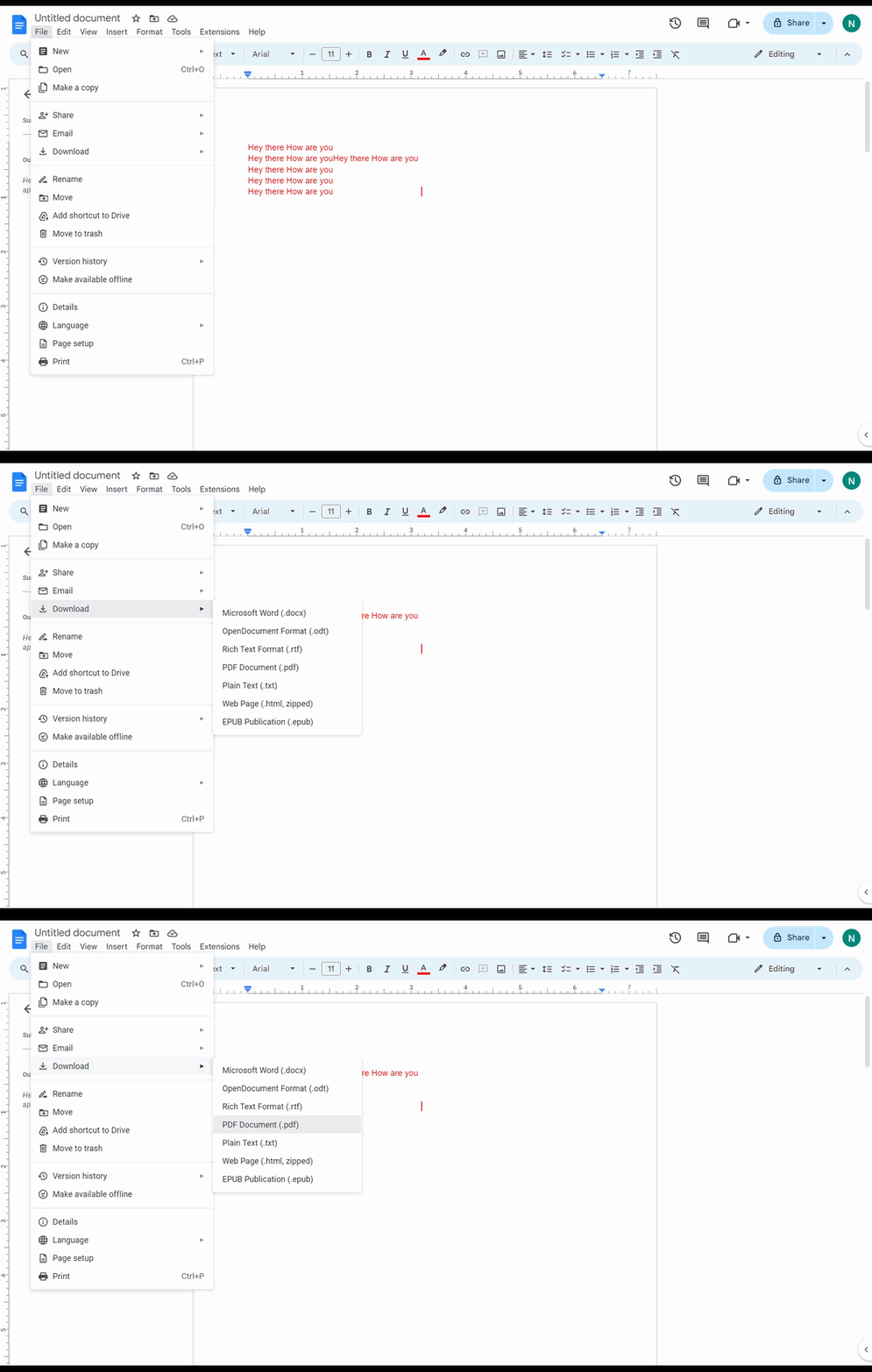
How to download a Google document as PDF
Google Docs · Productivity
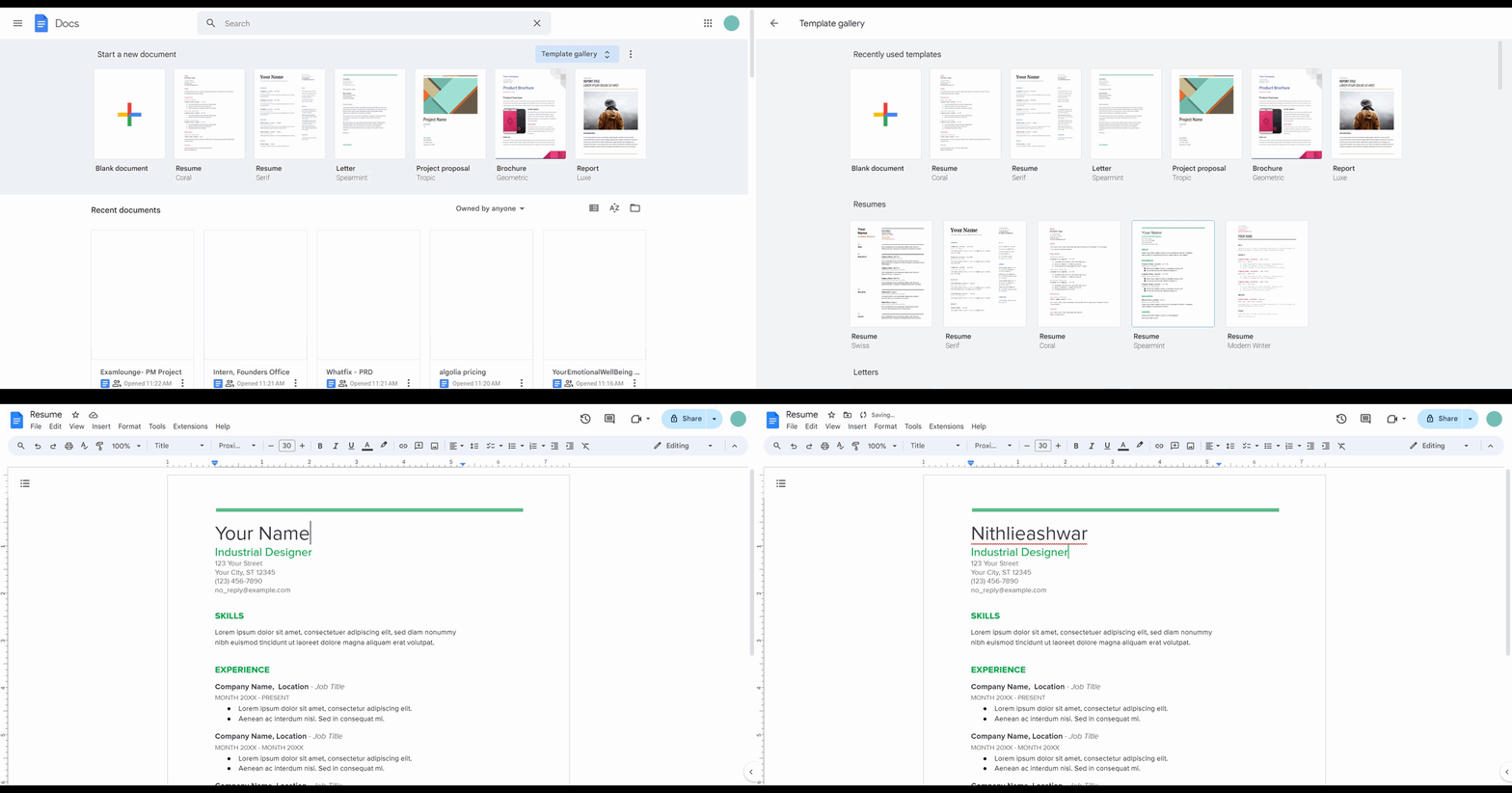
How to create a resume using templates in Google Docs
Google Docs · Productivity
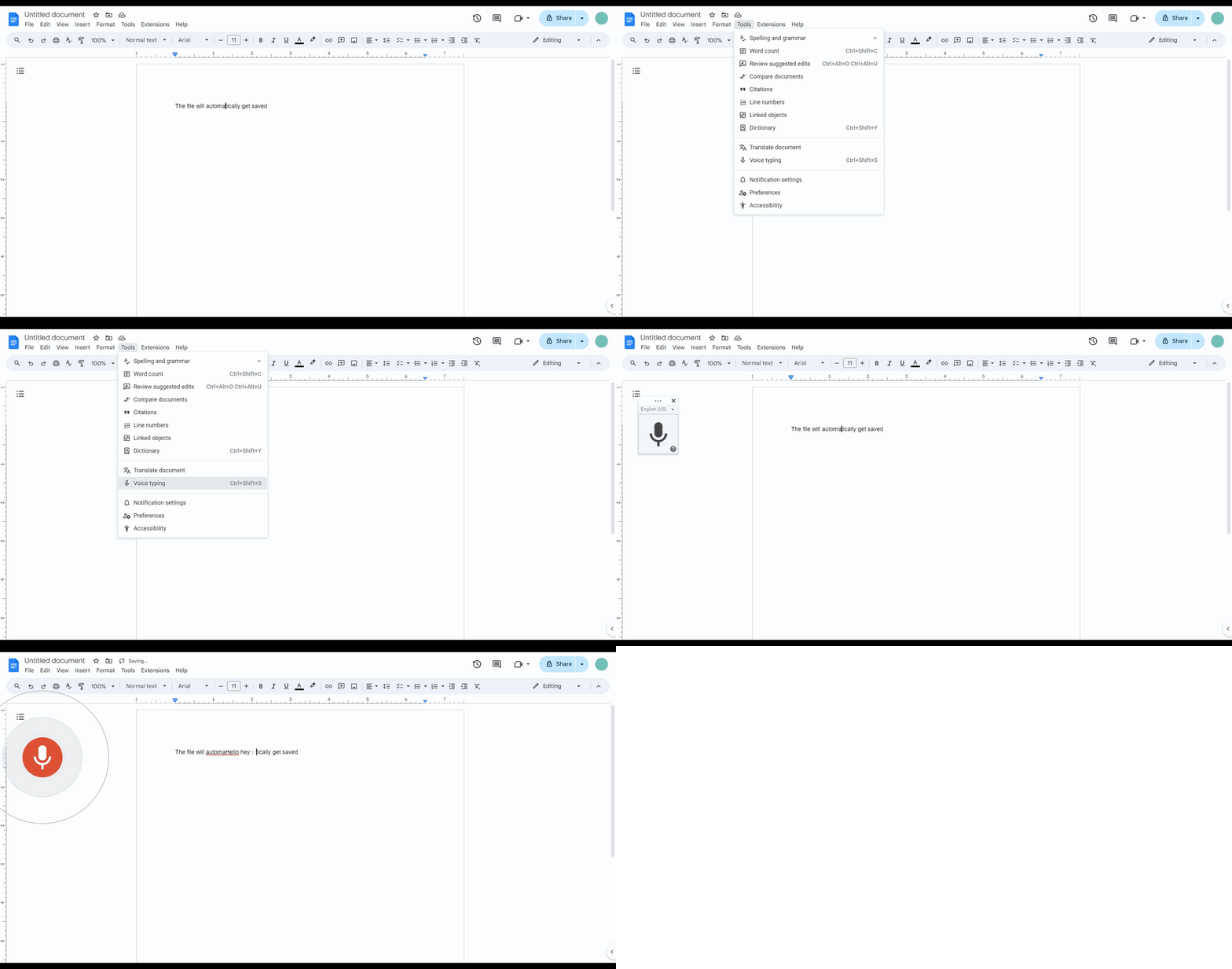
How to type with voice on Google docs
Google Docs · Productivity
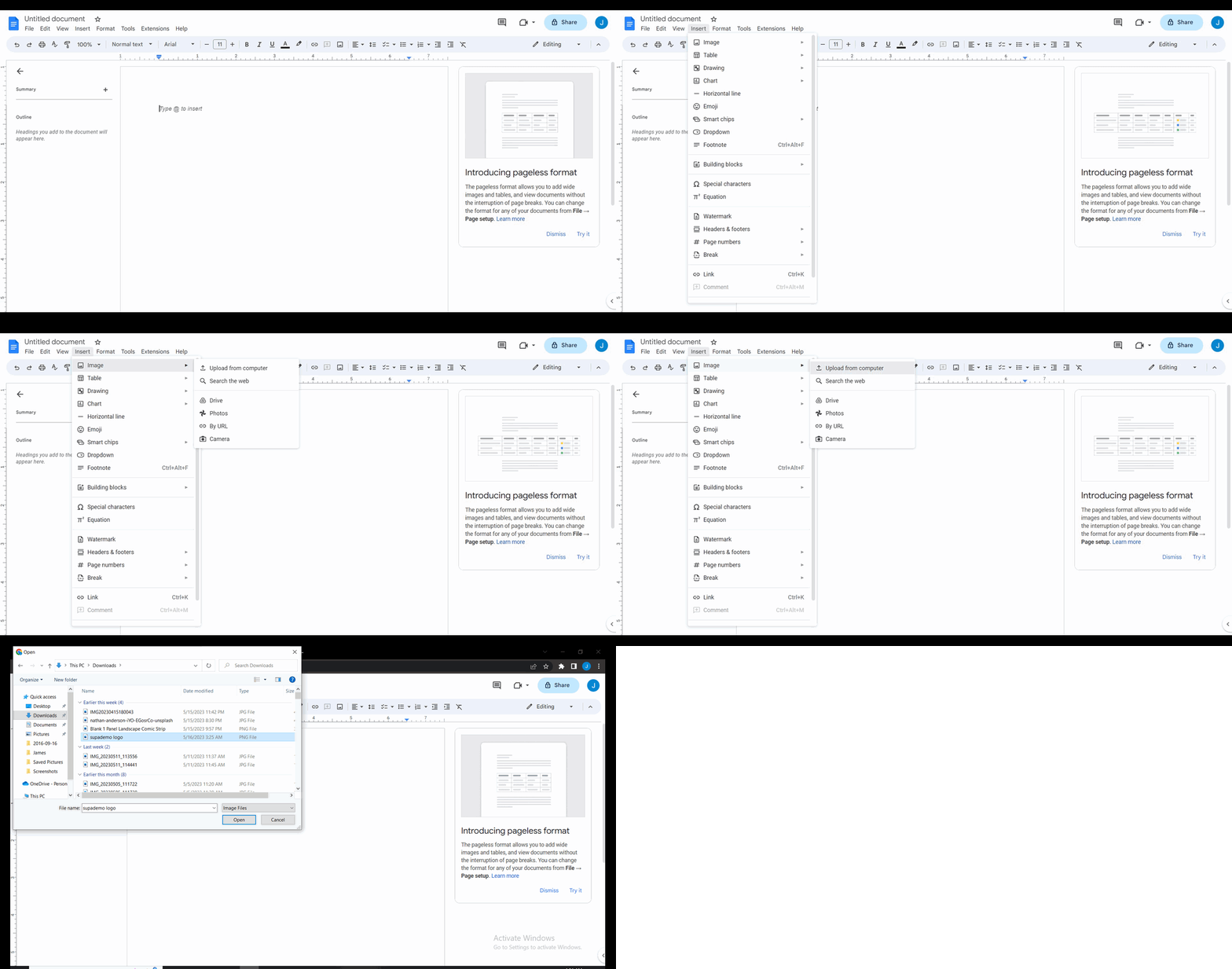
How to insert image in Google Docs
Google Docs is a powerful cloud-based word processor that offers extensive formatting options for professional document creation. Supademo's interactive tutorials guide you through essential Google Docs features at your own pace, helping you master everything from basic text formatting to advanced collaboration techniques.