Explore step-by-step, guided
tutorials of Miro
Interactive step-by-step guides for mastering Miro's collaboration and visualization features.
Miro · Design
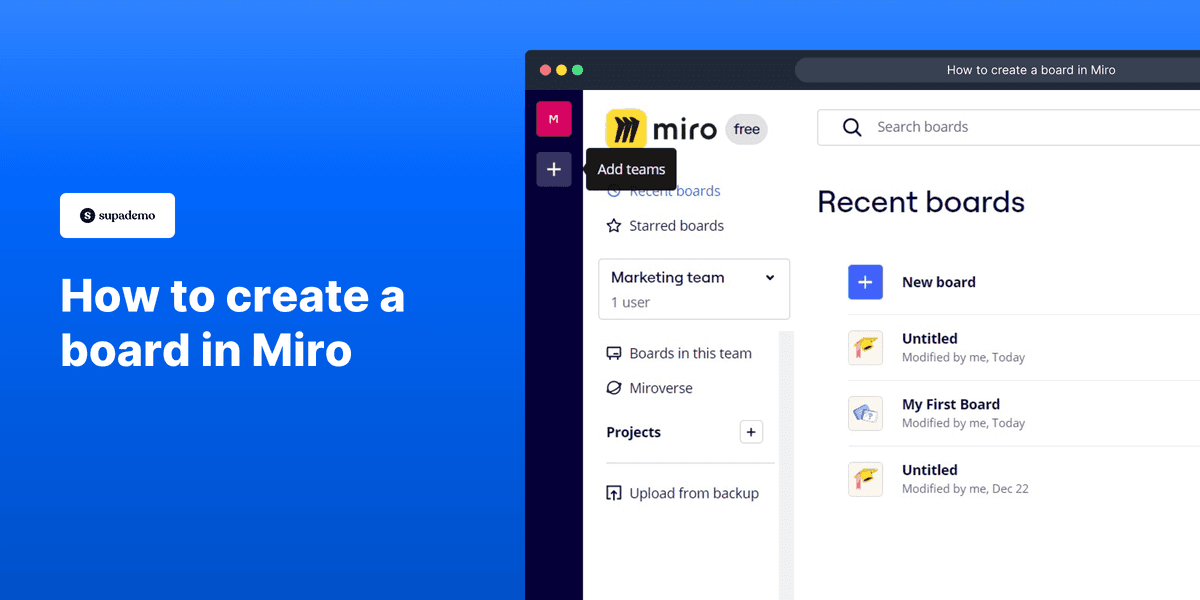
How to create a Miro board
Miro · Design
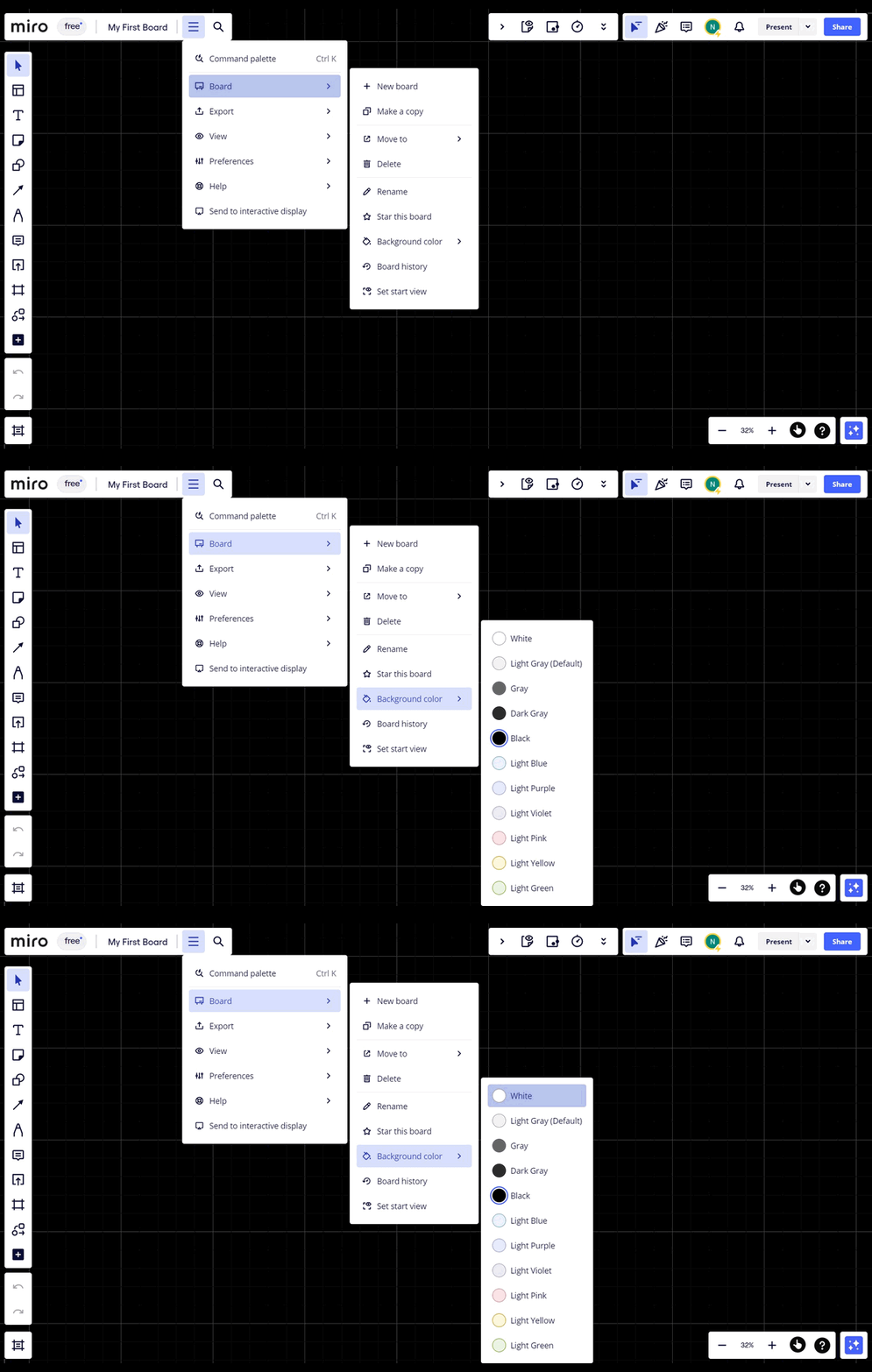
How to change your board background color in Miro
Miro · Design
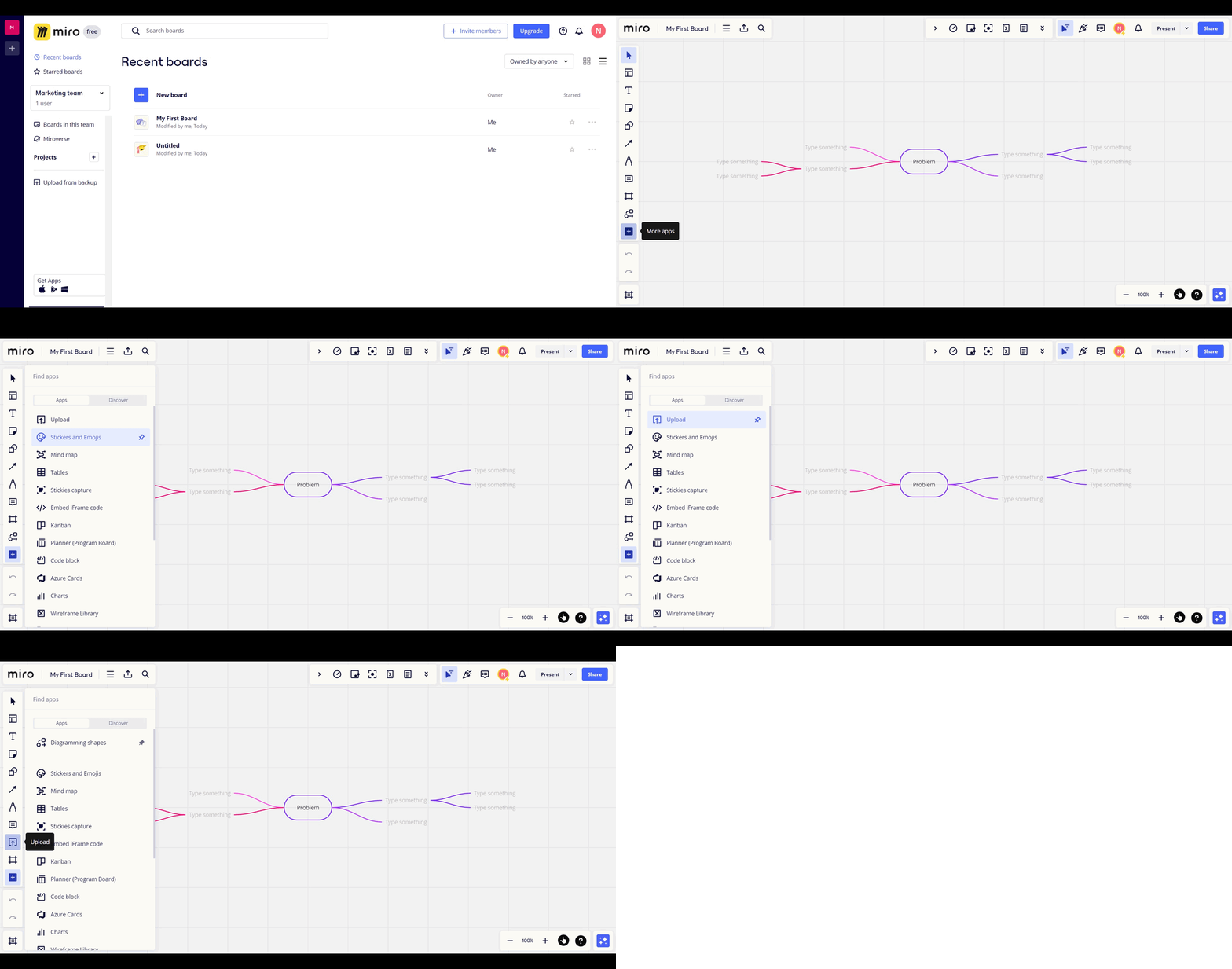
How to upload a file to Miro whiteboard
Miro · Design
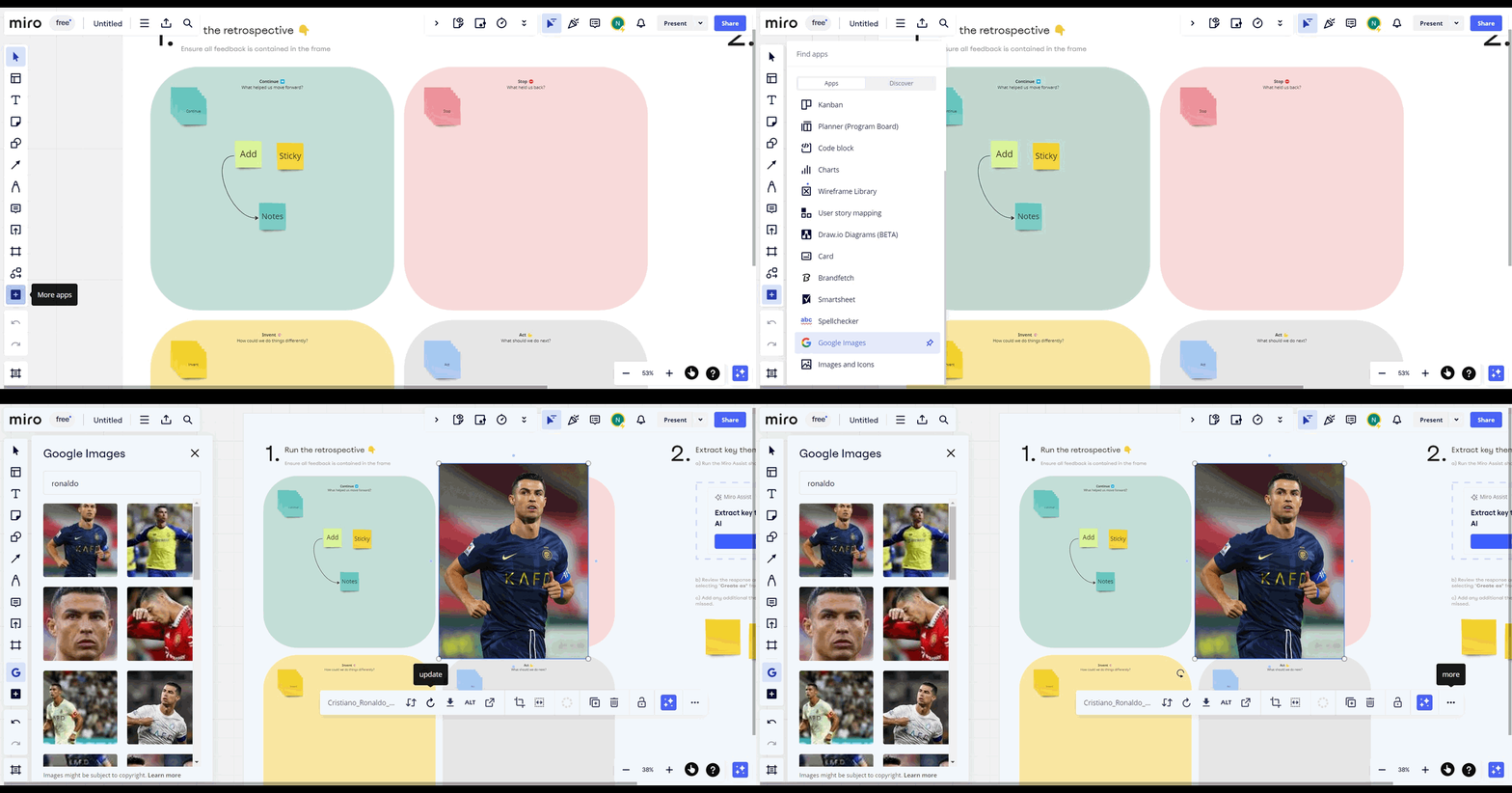
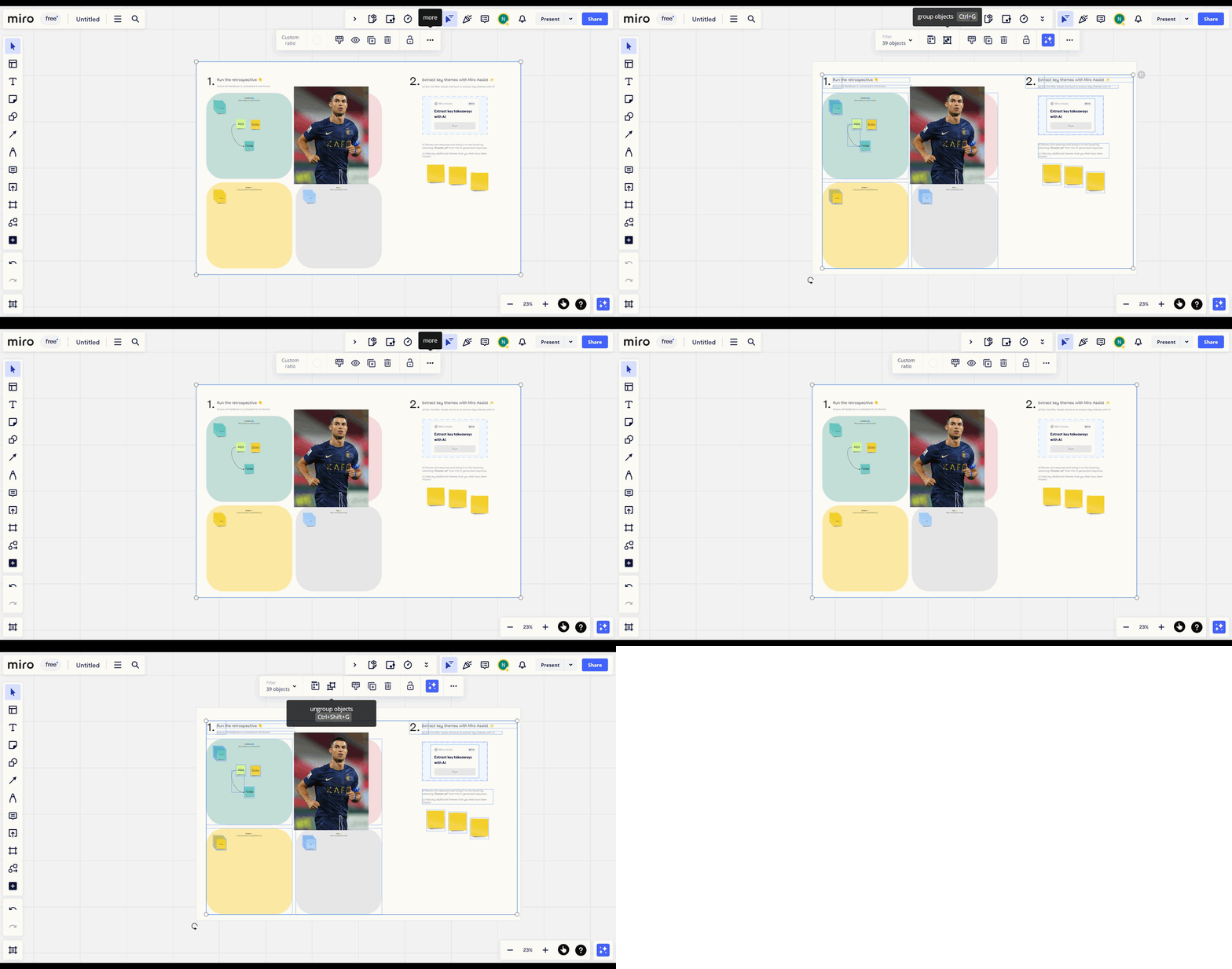
How to rotate and lock an image in Miro
Miro · Design
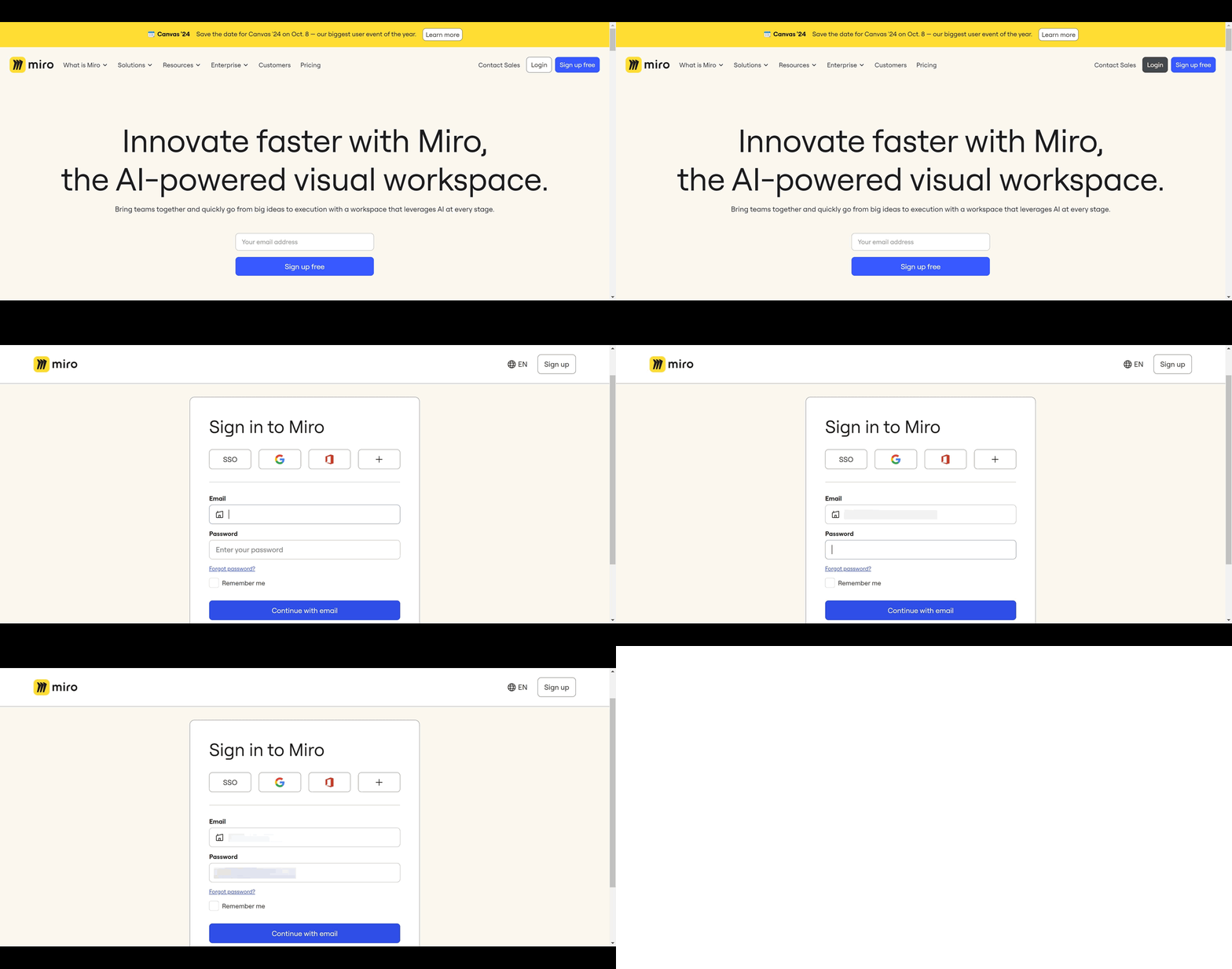
How to group and ungroup objects in Miro
Miro · Design
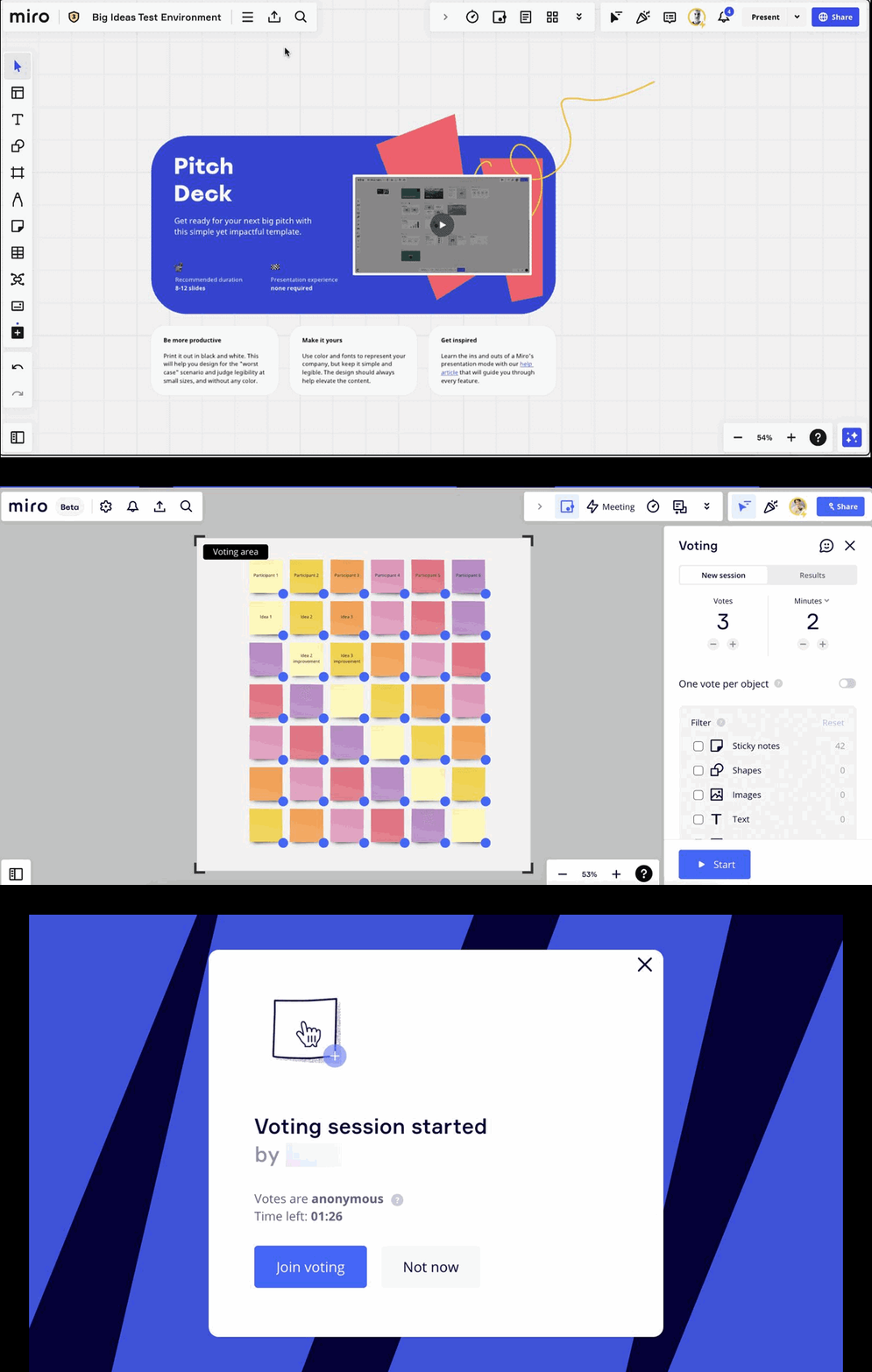
How to Log in to Your Miro Account
Miro · Design
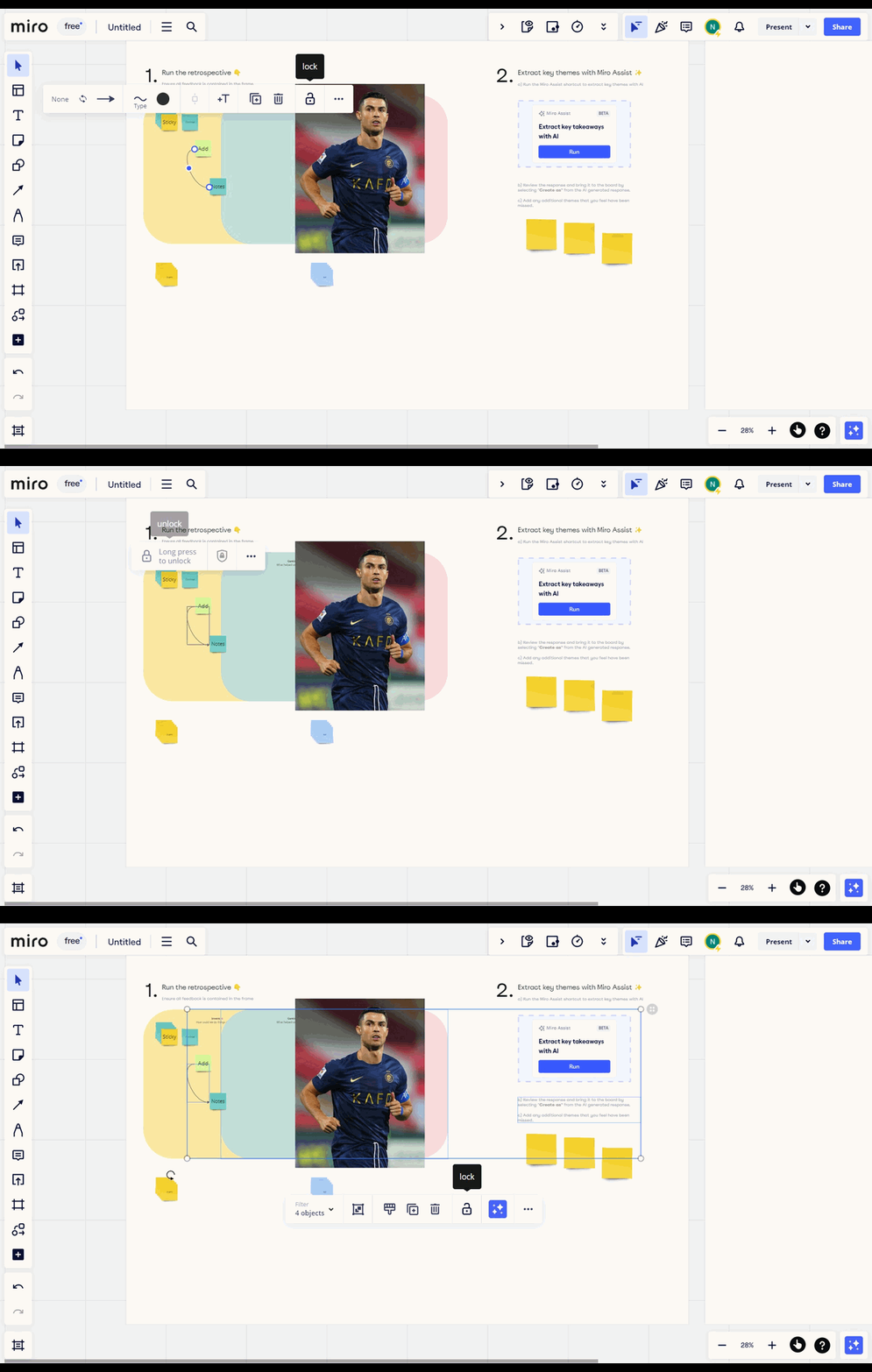
How to vote in Miro
Miro · Design
How to lock objects in Miro
Miro · Design
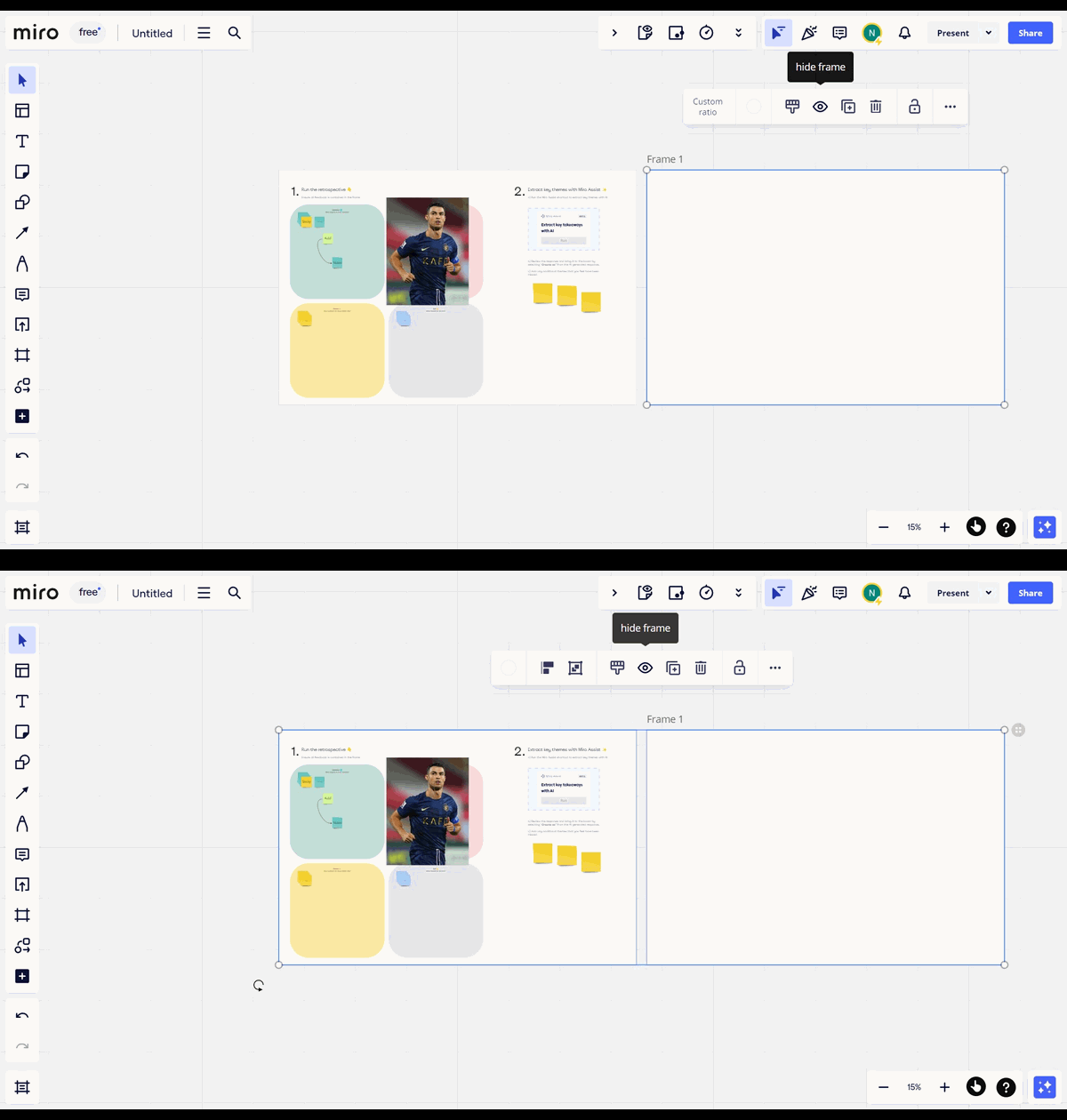
How to hide frames in Miro
Miro · Design
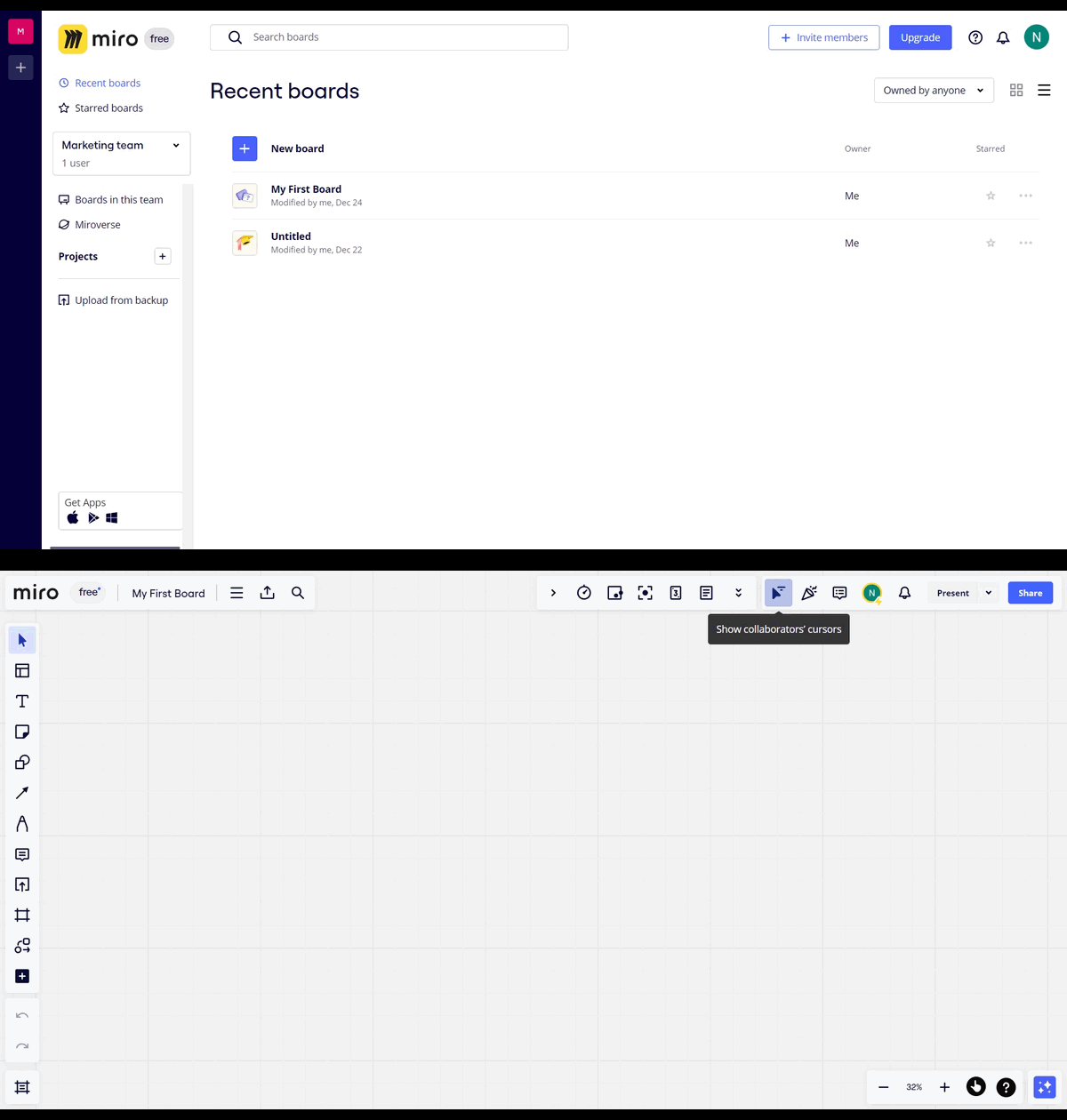
How to hide collaborator's cursor in Miro
Miro · Design
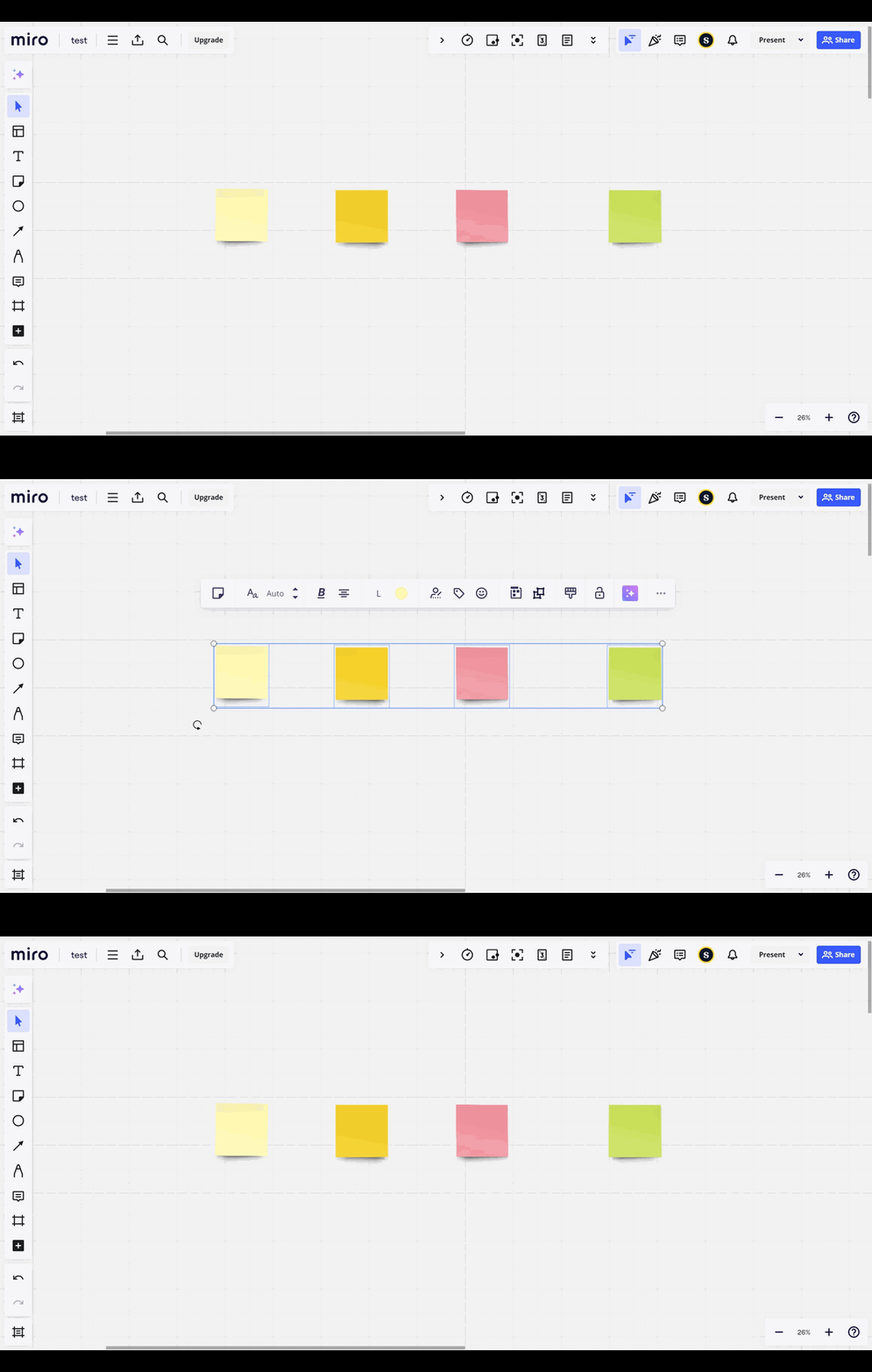
How to Ungroup in Miro
Miro · Design
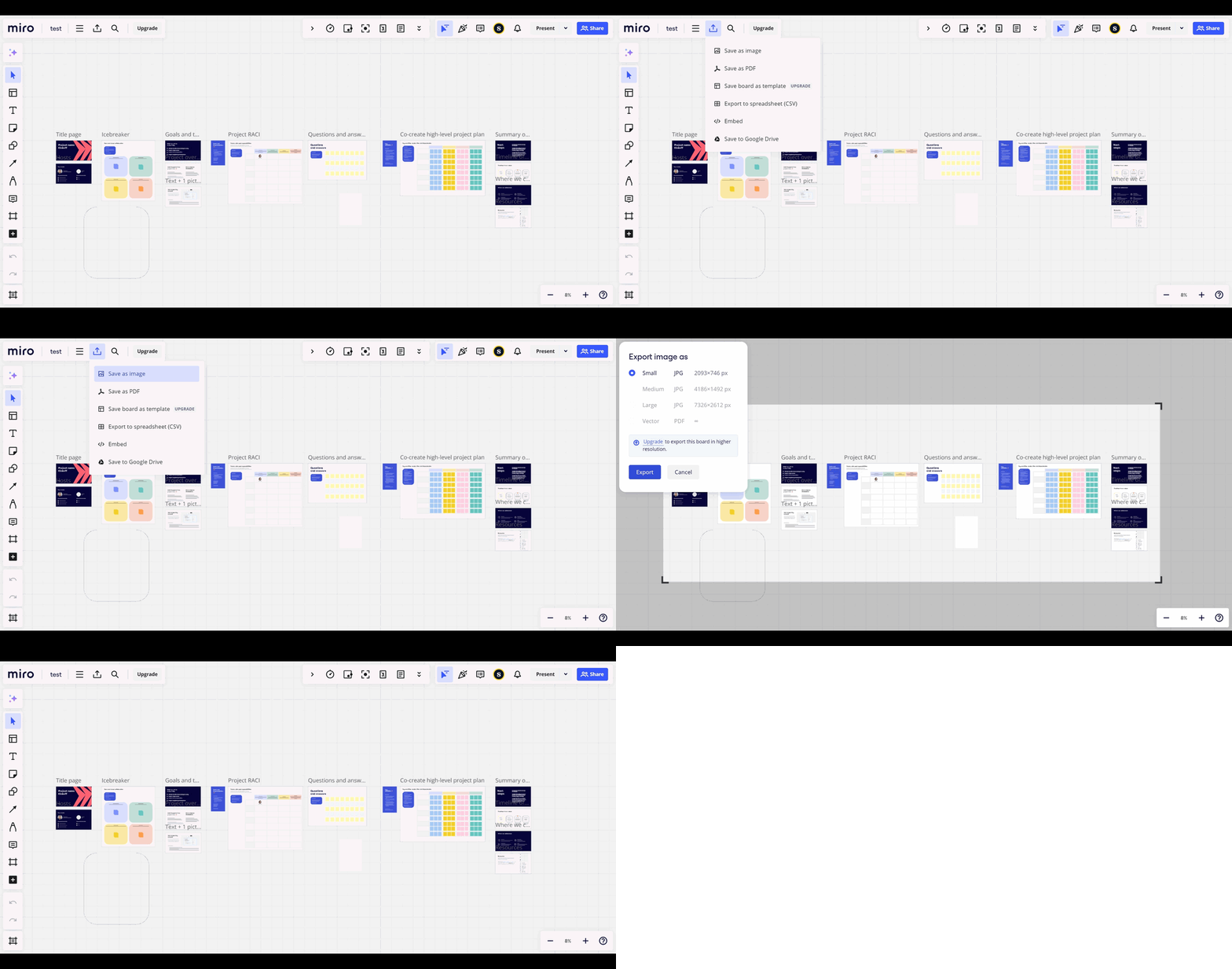
How to export a Miro board
Miro · Design
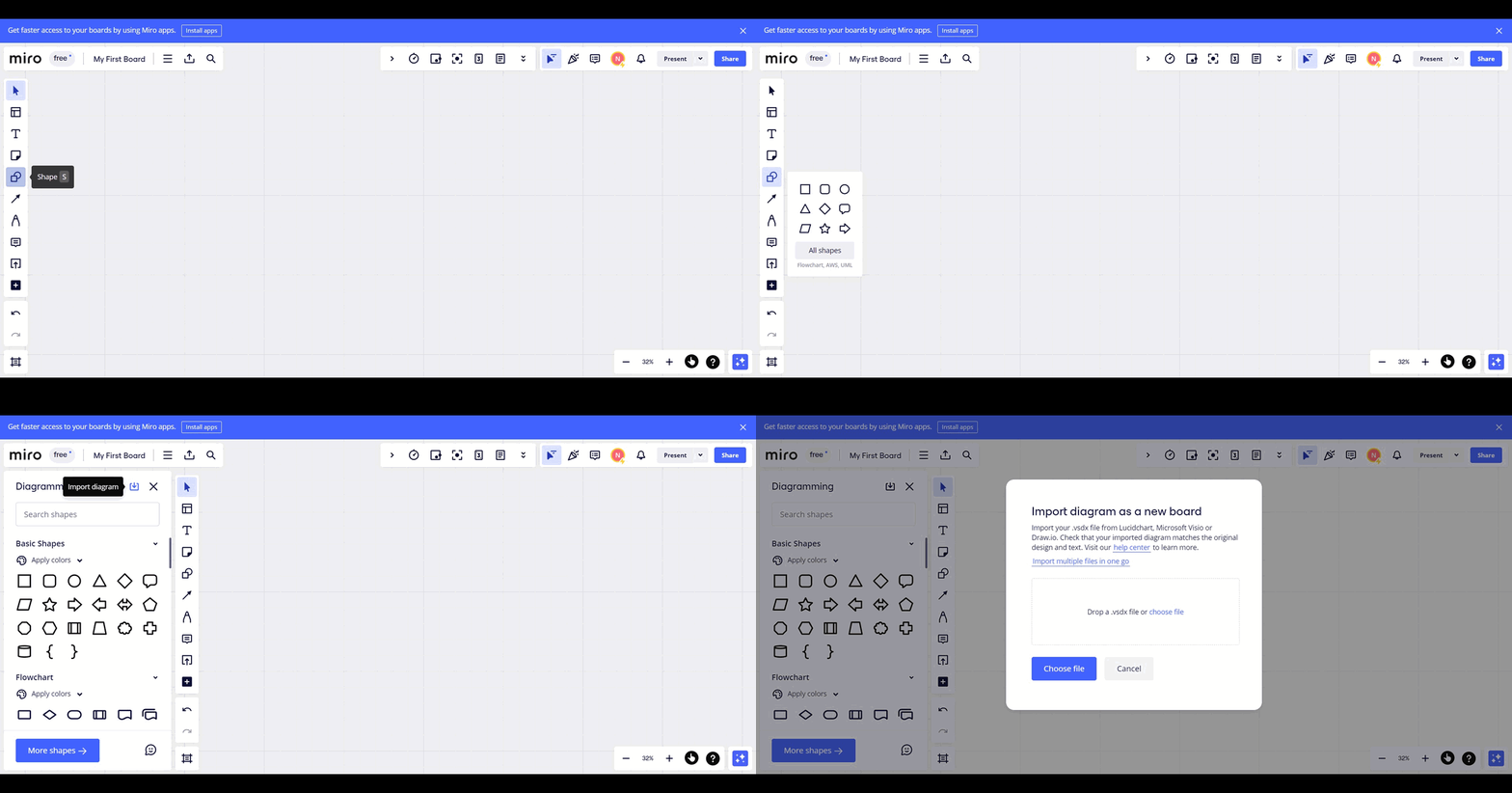
How to import draw diagrams in Miro
Miro · Design
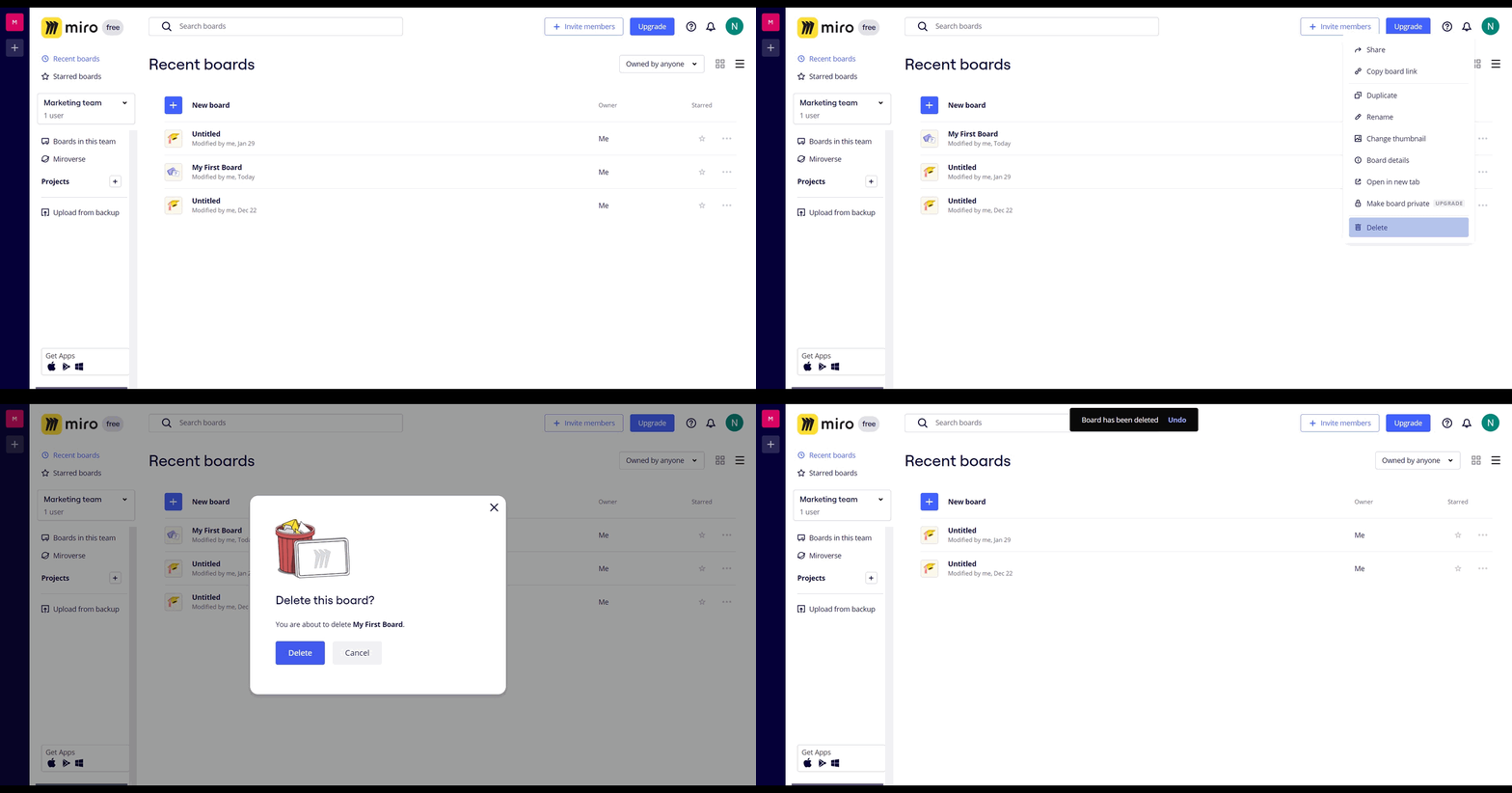
How to delete a board in Miro
Miro · Design
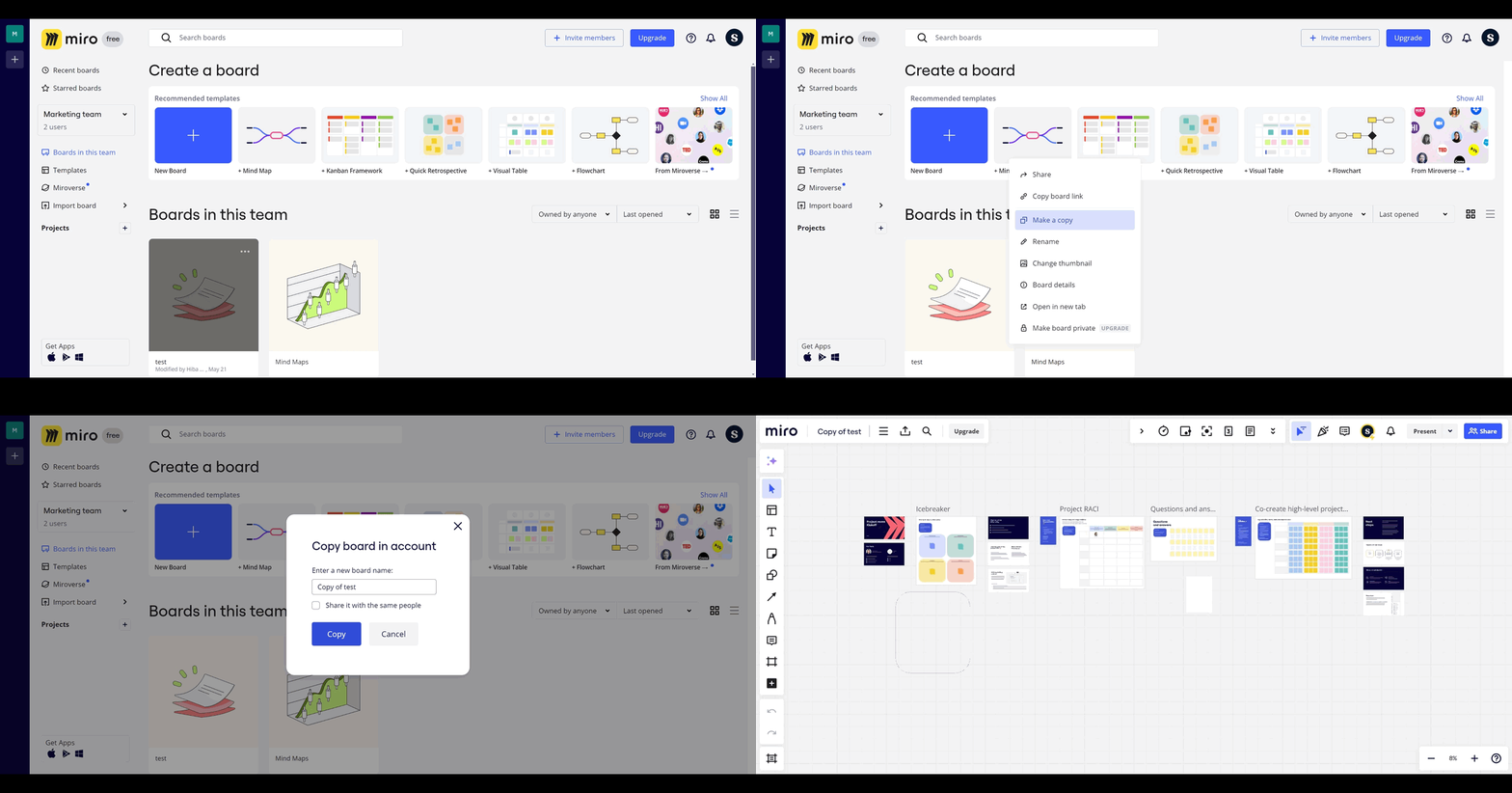
How to copy Miro board
Miro · Design
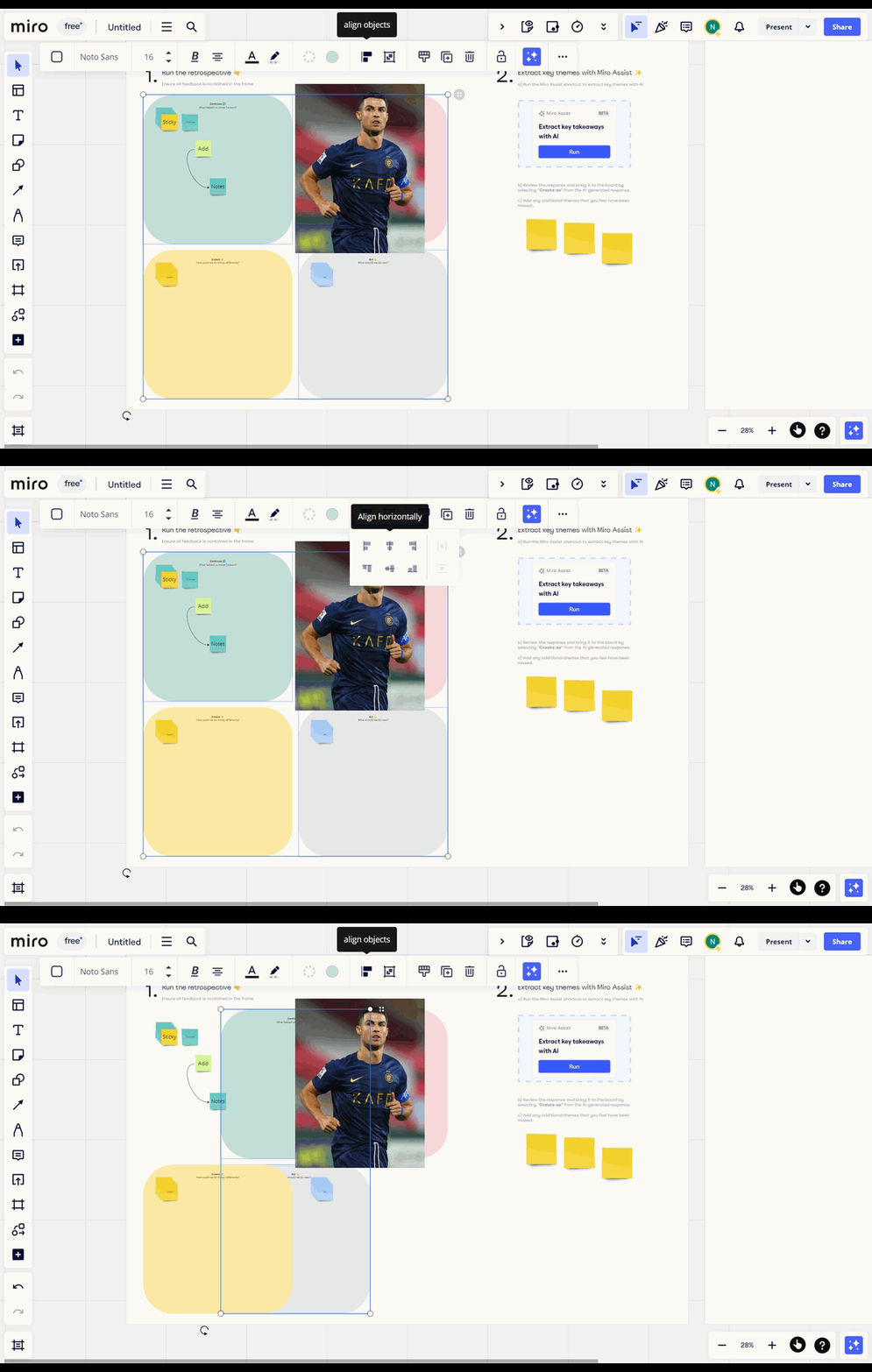
How to align objects in Miro
Miro · Design
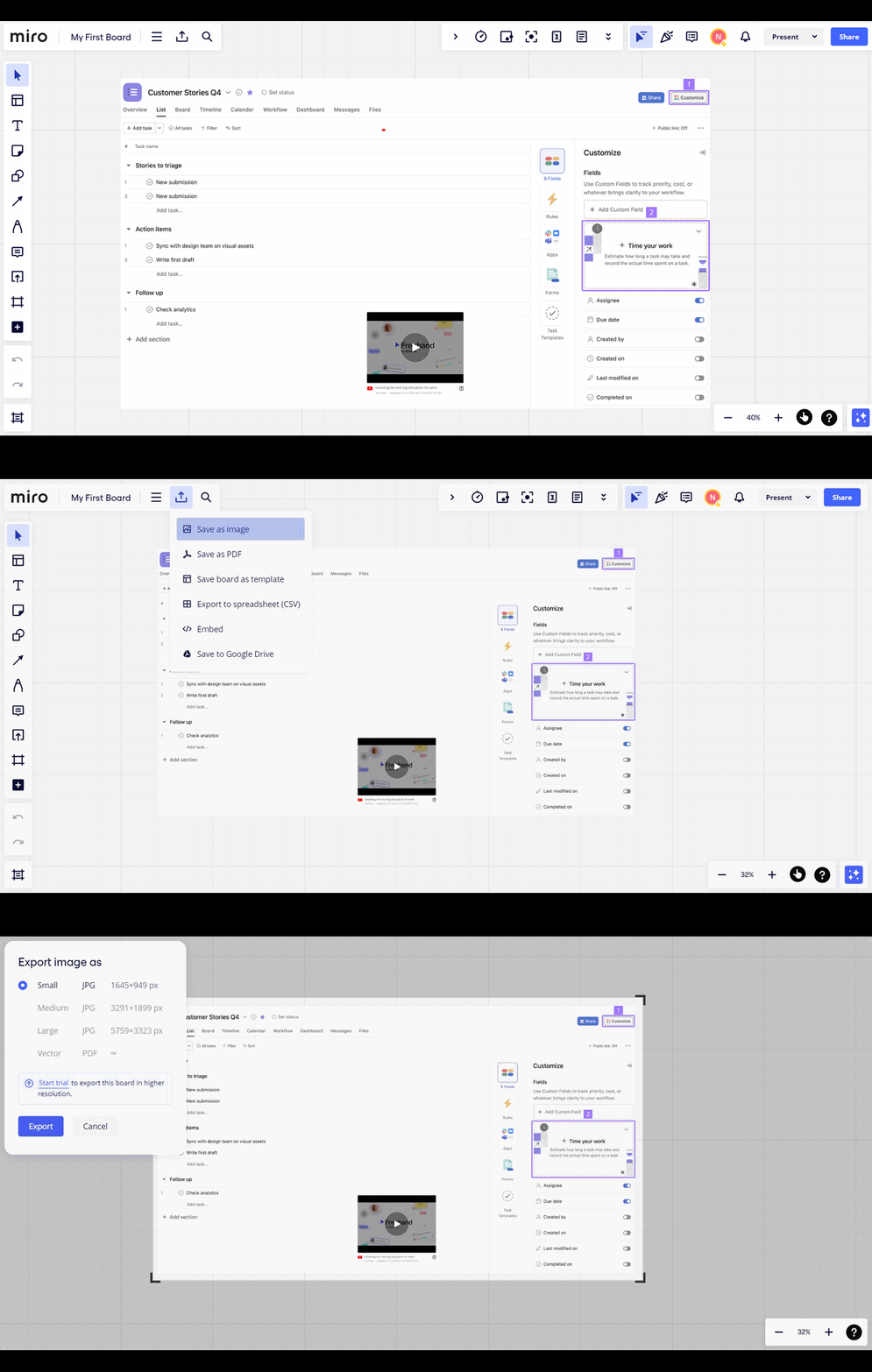
How to export your board in Miro
Miro · Design
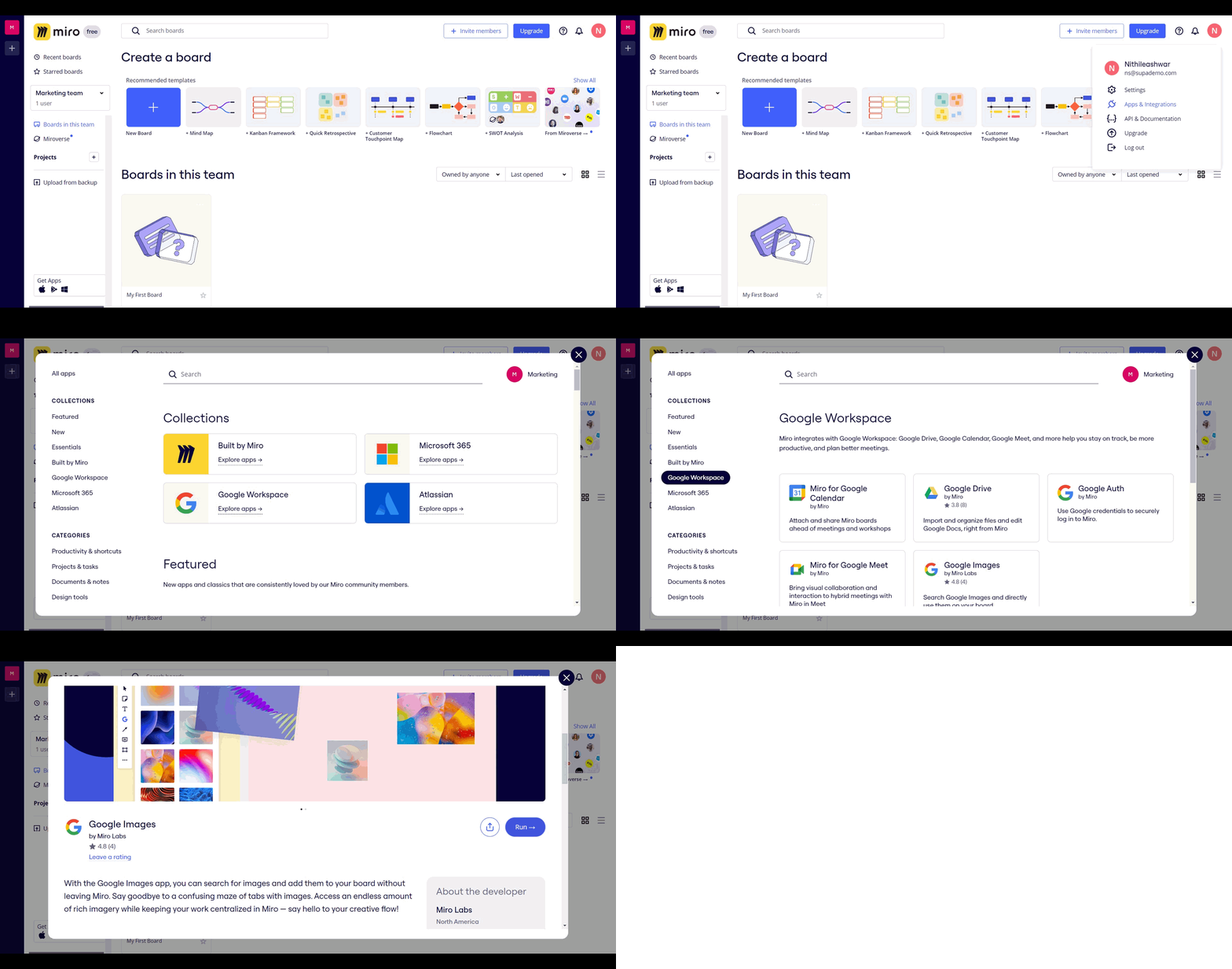
How to integrate Google Images to Miro whiteboard
Miro · Design
How to integrate Google images to Miro whiteboard
Miro · Design
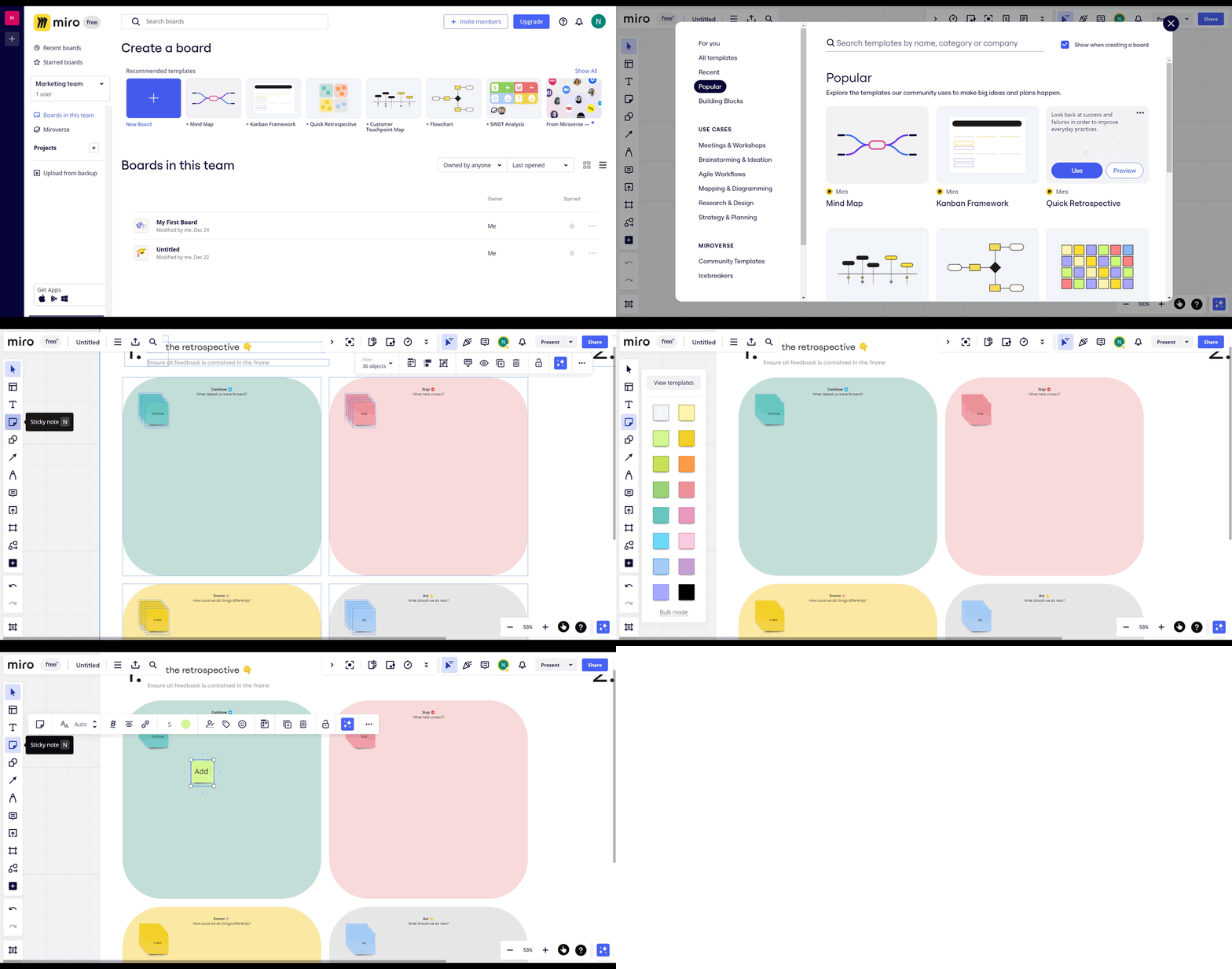
How to add flows to your sticky notes in Miro
Page 1 of 2
Learn how to use Miro effectively with Supademo's comprehensive, interactive tutorials. Our step-by-step guides cover everything from creating your first board to advanced collaboration techniques, allowing you to progress at your own pace. Whether you're new to visual collaboration or looking to optimize your workflow, these tutorials will help you unlock Miro's full potential.